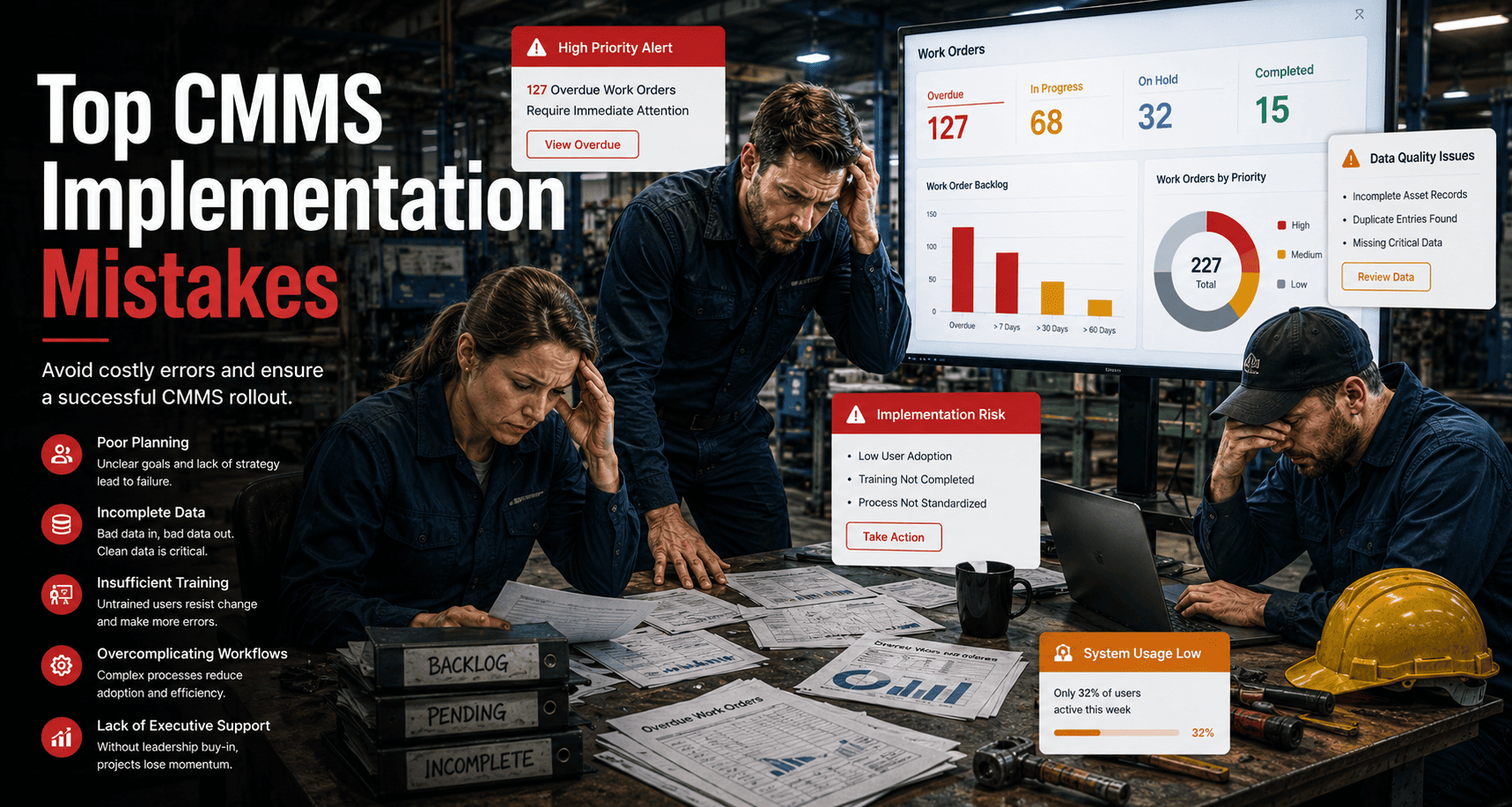
The CMMS graveyard is full of systems that were technically sound but practically abandoned. The software worked. The implementation did not. Poor rollout decisions — rushed data migration, undertrained technicians, overcomplicated workflows, ignored KPIs — turn a strong maintenance platform into an expensive piece of shelfware within six months of go-live. This guide covers the most damaging CMMS implementation mistakes and how to avoid every one of them so your rollout actually sticks.
Top CMMS Implementation Mistakes — and How to Avoid Them
Most CMMS projects fail in the first 90 days. The failure mode is almost never the software. It is the rollout decisions made before and during go-live.
Why Good Software Gets Abandoned — the Real Reason
CMMS implementation is not a software installation event. It is an organizational change process wrapped around a software deployment. The technical setup — loading assets, configuring workflows, connecting integrations — is the easy part. The hard part is getting maintenance technicians, managers, contractors, and administrators to change how they work, every day, consistently enough that the system becomes the source of truth rather than a parallel burden alongside the old spreadsheet habits.
Organizations that treat implementation as a single go-live event without a structured adoption plan consistently hit the same wall: data quality degrades, workarounds proliferate, and within six months the CMMS is used for reporting purposes only while actual work management reverts to email and whiteboards. Understanding the specific failure patterns — and their solutions — is what separates implementations that deliver ROI from those that become cautionary tales.
Oxmaint is built specifically to minimize implementation friction — no heavy onboarding, live in days, mobile-first workflows that technicians actually use — start a free trial to experience the difference, or schedule a demo and see how we handle rollout for multi-site operations.
The 8 Phases Where Implementation Goes Wrong
Skipping a formal requirements review means the system is configured for an idealized workflow rather than the actual one your team uses. Map real processes first, then configure.
Migrating dirty data produces a dirty CMMS. Asset records missing installation dates, warranty info, or condition baselines degrade every report and PM schedule derived from them.
Overcomplicated workflows trigger workarounds. If logging a work order requires more steps than just fixing the problem, technicians stop using the system within weeks.
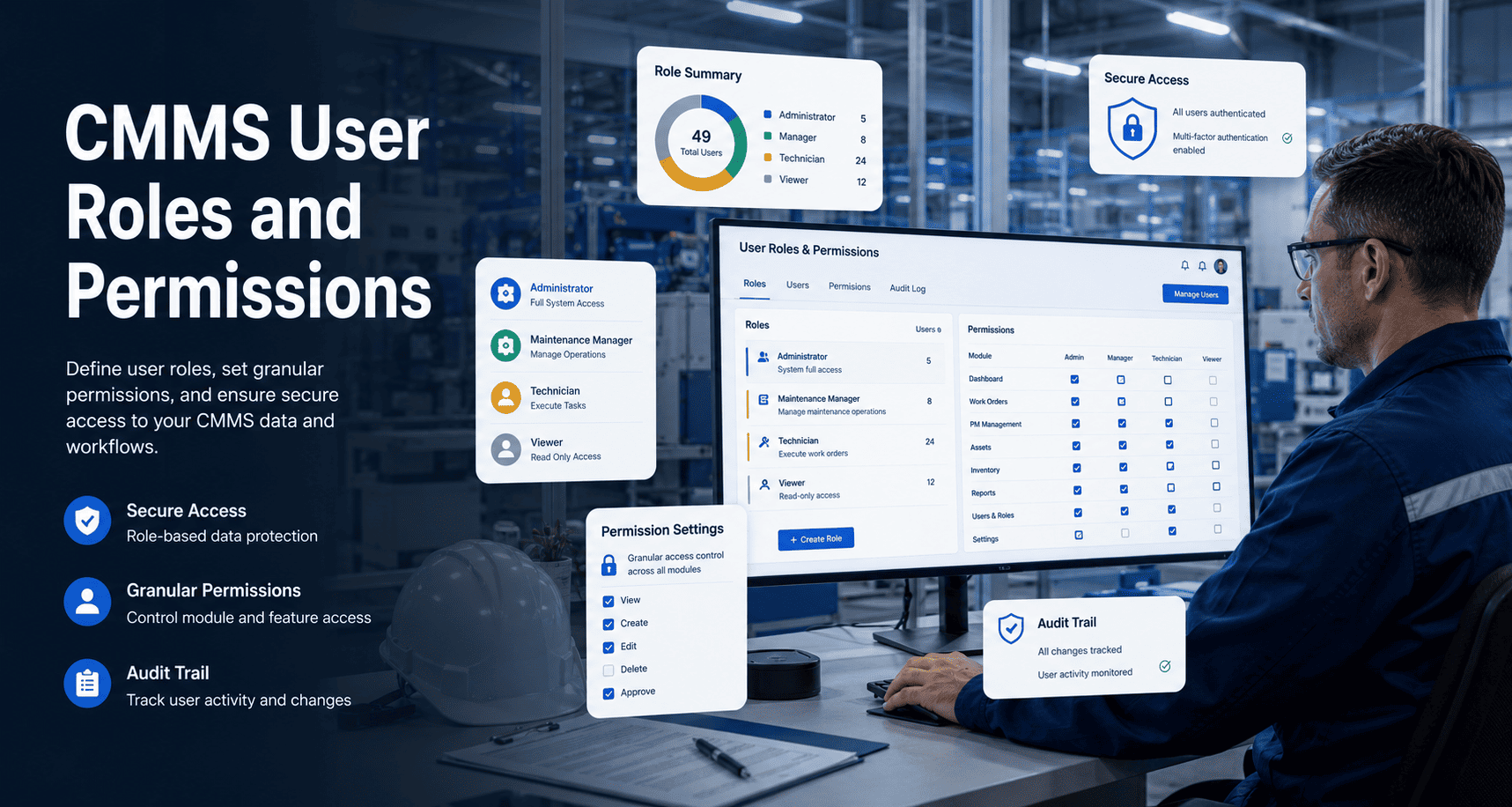
Undifferentiated access or excessive admin bottlenecks both kill adoption. Every role must have the right access — enough to do their job, not so much that errors proliferate.
One-time training sessions with no follow-through create initial competence that evaporates under pressure. Training must be hands-on, mobile-focused, and role-specific.
Going live with all modules simultaneously overwhelms users. A phased rollout — work orders first, then PM, then reporting — builds competence and confidence progressively.
Without defined success metrics, there is no signal telling you whether adoption is real or whether the system is being used superficially while actual work management happens elsewhere.
Data quality degrades without ownership. Assign someone to quarterly data audits — duplicate assets, stale PM schedules, incomplete records — or the system loses accuracy over time.
What Actually Kills CMMS Adoption
Teams that address these six failure patterns before go-live report 3x higher adoption at the 90-day mark — start a free trial and see how Oxmaint's onboarding is designed to prevent each of these failure modes by default, or schedule a demo to see the rollout process for your operation size.
Reactive Rollout vs Planned Implementation
| Implementation Area | Reactive Rollout — Common Mistakes | Planned Rollout — Oxmaint Approach |
|---|---|---|
| Data Migration | Raw export from spreadsheets, no cleaning, duplicates imported | Pre-migration audit, critical fields validated, phased import |
| Technician Training | One group session, desktop-focused, no follow-up | Role-specific, mobile-first, with 30-day check-in built in |
| Workflow Complexity | All fields mandatory, every edge case in standard form | Core workflow simple, advanced fields added post-adoption |
| KPI Tracking | KPIs identified after go-live, no baseline captured | 4–6 KPIs defined pre-launch, 30-day baseline established |
| Module Rollout | All modules live simultaneously on day one | Work orders first, PM at day 30, full suite at day 60 |
| Data Governance | No data owner, quality degrades unmonitored | Quarterly audit schedule, assigned data owner, automated flags |
What a Clean Implementation Delivers
CMMS Implementation — What Teams Ask Before Committing
How long should CMMS implementation realistically take?
What is the minimum data needed to launch a CMMS effectively?
How do you prevent technicians from reverting to spreadsheets after go-live?
Which KPIs should be tracked in the first 90 days of CMMS use?
Do Not Let a Flawed Rollout Kill a Good Investment
Oxmaint is built so your team is using it properly within days — not fighting it for months.
- Mobile-first workflows technicians actually use
- Phased rollout built into the onboarding process
- Real-time dashboards for adoption tracking from day one
Live in days. Measurable results in 30. No heavy implementation required.