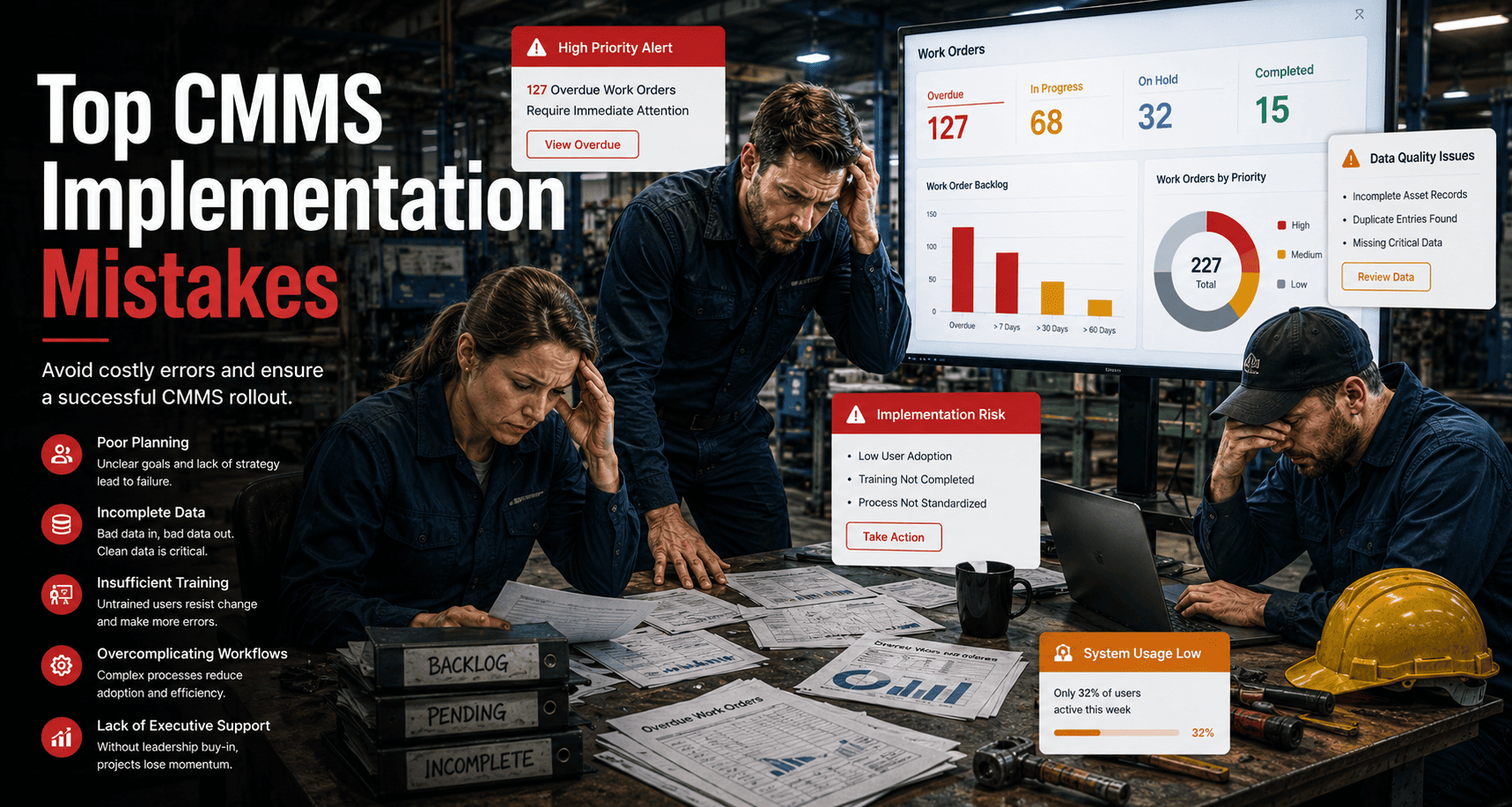
Most CMMS implementations fail not because of poor features — but because everyone has access to everything, or nobody has access to what they need. Without structured user roles, technicians accidentally close work orders they should not, managers see unfiltered noise instead of decision-ready data, and contractors access asset records they have no business viewing. A well-configured permissions framework is the silent infrastructure behind every efficient maintenance operation. Start your free trial on Oxmaint and configure your first role in minutes, or book a demo to see how role-based access works across a live multi-site portfolio.
Configuration Guide · CMMS Setup 2026
How to Set Up CMMS User Roles and Permissions
A practical guide to configuring admin, manager, technician, and contractor access levels in your CMMS — with real examples, best practices, and security rules that protect your data without slowing your team down.
of CMMS data breaches involve internal access — wrong permissions given to the wrong people
4.1x
faster work order resolution when each role sees only the tasks and assets relevant to their function
41%
of CMMS users report duplicate or conflicting work orders caused by overlapping edit permissions
30 min
average time to fully configure a role-based access structure in Oxmaint for a 50-person team
What Are CMMS User Roles and Permissions?
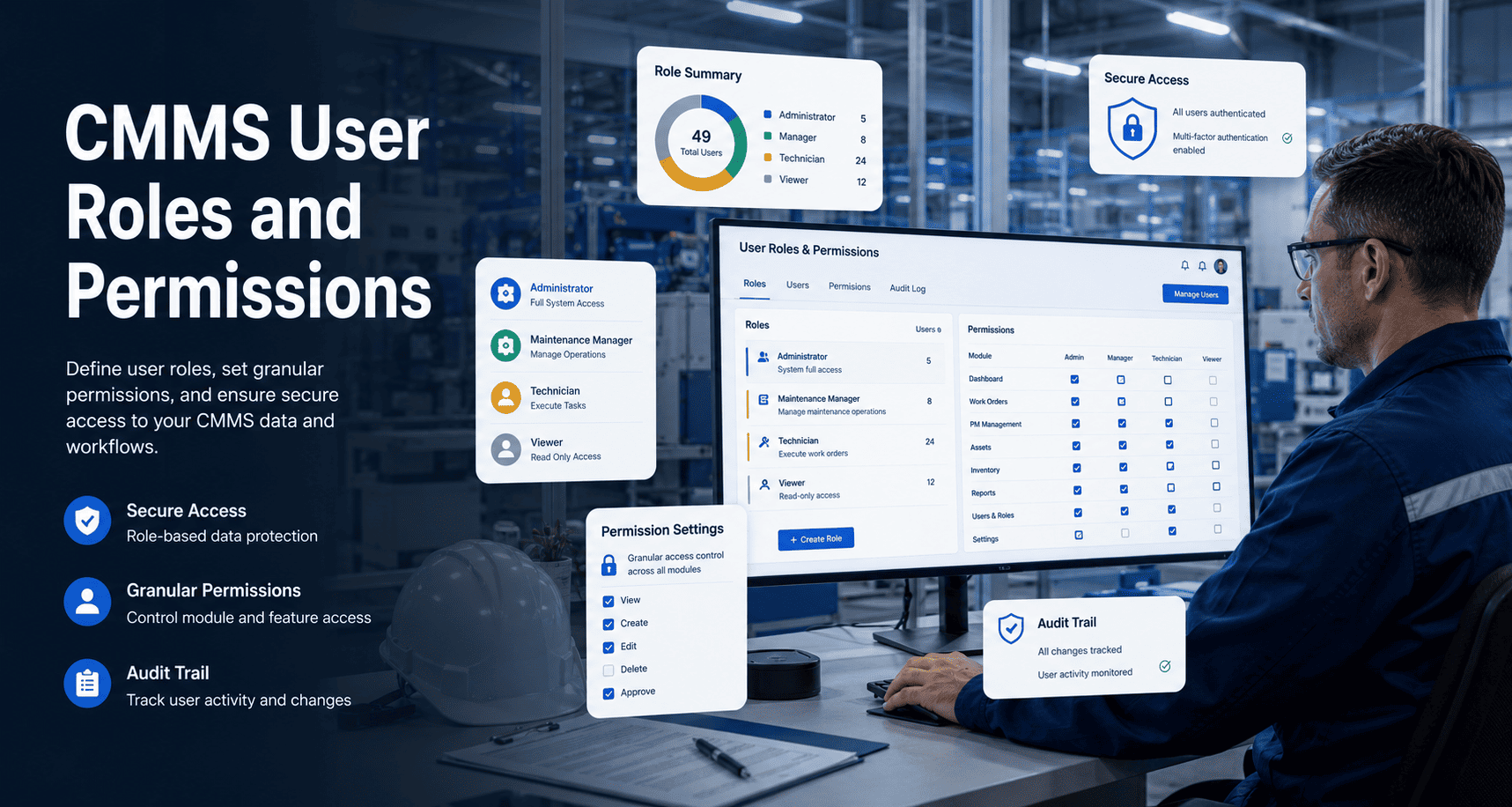
CMMS user roles define what each person on your maintenance team can see, create, edit, approve, and delete inside the platform. Permissions are the granular controls attached to each role — specifying whether that person can close work orders, edit asset records, approve purchase requests, view cost data, or access reports. Together, roles and permissions create a structured access hierarchy that mirrors your organization's actual accountability structure.
Without this structure, every user operates as a de facto administrator — changing records, closing jobs, editing asset data, and generating reports with zero accountability trail. With it, every action is tied to a specific role, creating an audit-ready log that satisfies compliance requirements from OSHA and GMP to ISO 55001. Maintenance teams that implement structured role access report fewer data conflicts, faster work order resolution, and cleaner compliance audits — start a free trial to configure your team structure today, or book a demo and we will map your org chart to a working permission model in one session.
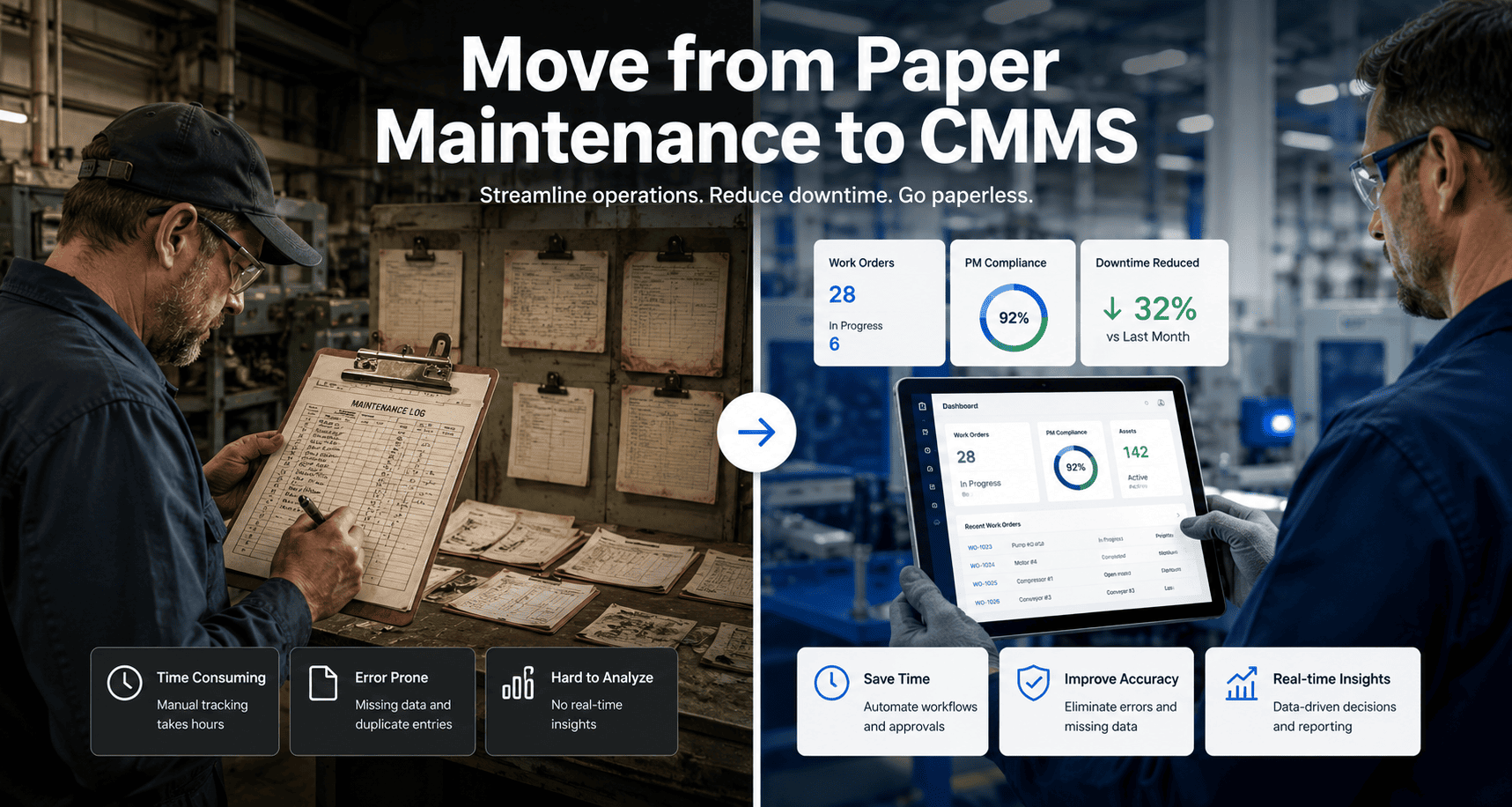
Most facilities grant every maintenance user the same access level — then spend months untangling duplicate records, unauthorized closures, and missing audit trails.
The Four Core CMMS Access Levels
01
System Administrator
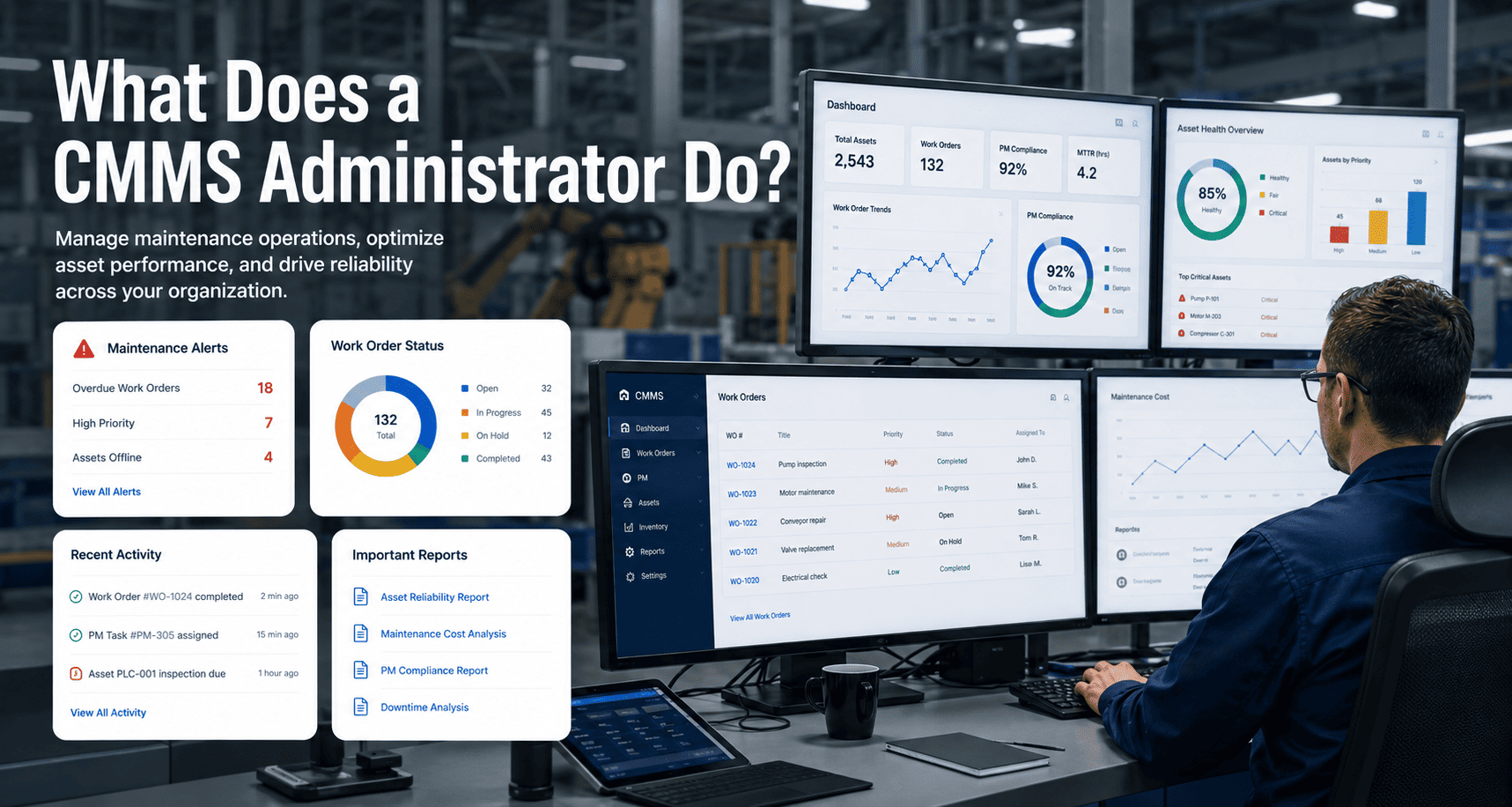
Full platform access — user management, system configuration, integration settings, data import/export, and all reporting. Reserved for IT leads or senior operations managers. Typically one to two people per organization.
02
Maintenance Manager
Create, assign, approve, and close work orders. Access PM schedules, asset records, inventory, and cost reports for their assigned properties or sites. Cannot modify system settings or manage other users.
03
Maintenance Technician
View and update assigned work orders only. Log time, attach photos, add notes, and mark tasks complete. Read-only access to asset records they work on. Cannot create assets, edit PM schedules, or view cost data.
04
External Contractor
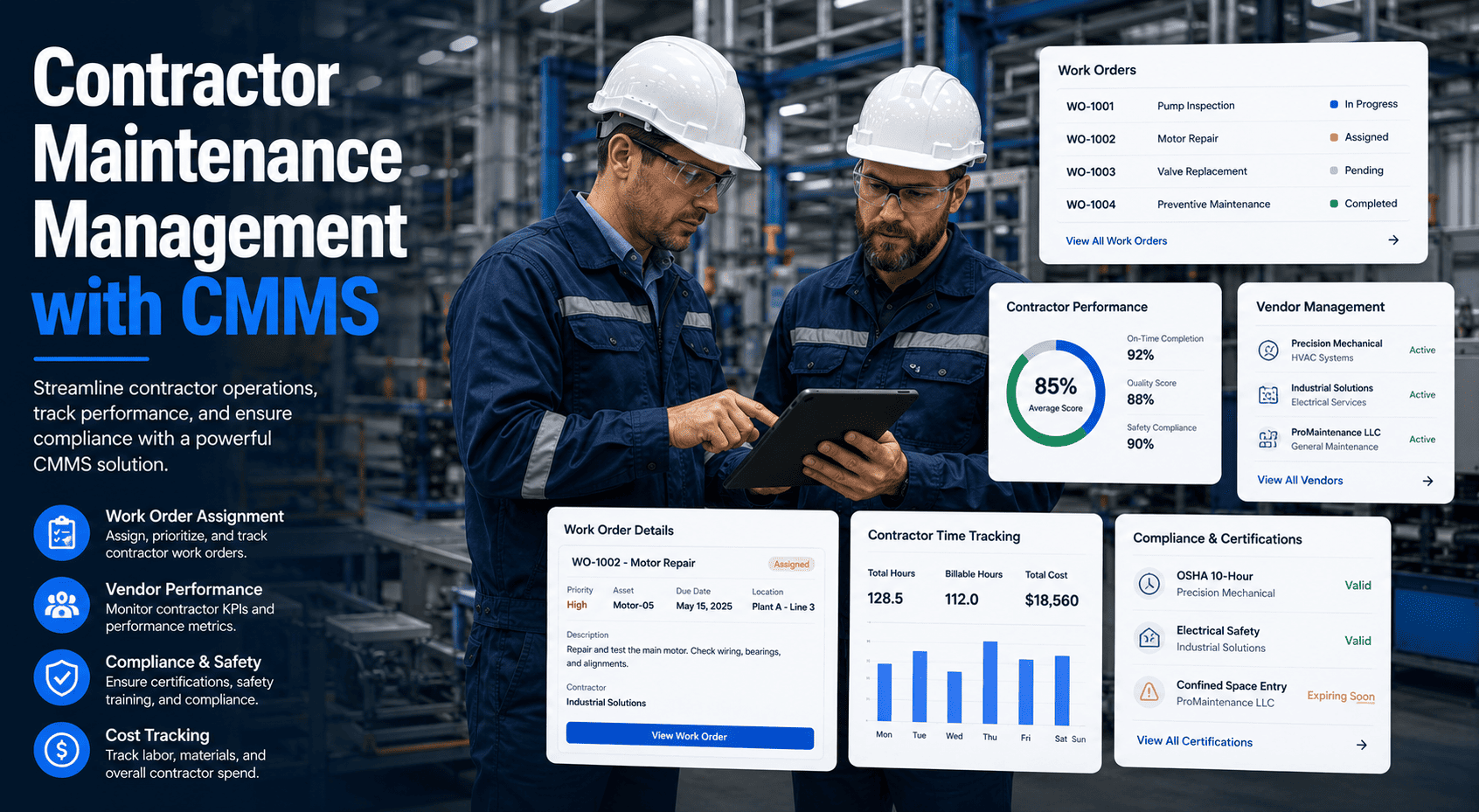
Access limited to work orders explicitly assigned to them. Can update job status, attach completion photos, and submit time logs. Zero visibility into other jobs, asset costs, or any work outside their assigned scope.
05
Requester / Tenant
Submit maintenance requests and track status of their own submissions only. Cannot view other requests, edit assets, or access any reports. Ideal for building occupants, tenants, or non-maintenance staff logging issues.
06
Read-Only Viewer
View-only access to dashboards, asset lists, and reports. Cannot create, edit, or close any records. Designed for executives, auditors, or finance teams who need visibility without operational access.
Why Poor Permission Setup Breaks CMMS Adoption
Unauthorized Data Changes
When technicians have edit access to asset records, condition scores, or PM schedules, unintentional changes corrupt your maintenance history — and nobody knows who made the change or why.
Premature Work Order Closure
Without enforced approval workflows, technicians close work orders before manager review — hiding incomplete jobs, skipped steps, and compliance gaps inside a "completed" status that nobody audits.
Contractor Data Exposure
External contractors with broad access can view cost data, other vendors' work, asset valuations, and portfolio-level reports — information they have no business reason to see and that creates real liability exposure.
No Audit Trail for Compliance
GMP, ISO 55001, and OSHA inspections require documented proof of who did what and when. Flat access structures produce no meaningful audit trail — making compliance reporting a manual reconstruction exercise every time.
Overwhelming Interface for Technicians
Technicians shown full system dashboards, financial reports, and configuration menus spend time navigating irrelevant screens — slowing adoption and increasing support load for your admin team.
Security and Compliance Risk
Shared logins, overprivileged accounts, and no access review process create audit findings and data security risk — especially for facilities managing regulated assets or operating in GMP or ISO-certified environments.
These failures compound over time — the longer a team operates without structured permissions, the more corrupted the data and the harder the remediation. Maintenance teams that implement role-based access from day one report cleaner audits, faster onboarding, and stronger compliance scores — start a free trial to structure your team correctly from the start.
How Oxmaint Handles Role-Based Access
Oxmaint is built around a structured hierarchy — Portfolio, Property, System, Asset, Component — and its permission model mirrors that hierarchy. Roles are not just access toggles; they determine what each user sees, what actions they can take, and what data is visible at each level of the asset tree. Managers assigned to a specific property see only that property's work orders, assets, and reports. Contractors see only the jobs assigned to them. Read-only viewers get clean dashboards without any risk of accidental edits. Book a demo to see how Oxmaint maps your org chart to a working permission model in one session.
Hierarchy-Aware Permissions
Assign roles at the portfolio, property, or system level. A manager assigned to one property has zero visibility into other properties — even within the same portfolio.
Contractor Portal Access
External vendors receive a dedicated portal login scoped to their assigned work orders only. No asset cost visibility, no other vendor's jobs, no admin functions.
Approval Workflow Enforcement
Configure which roles can create, assign, approve, and close work orders. Technicians cannot self-close jobs requiring manager sign-off — preventing the silent closure problem.
Audit-Ready Access Logs
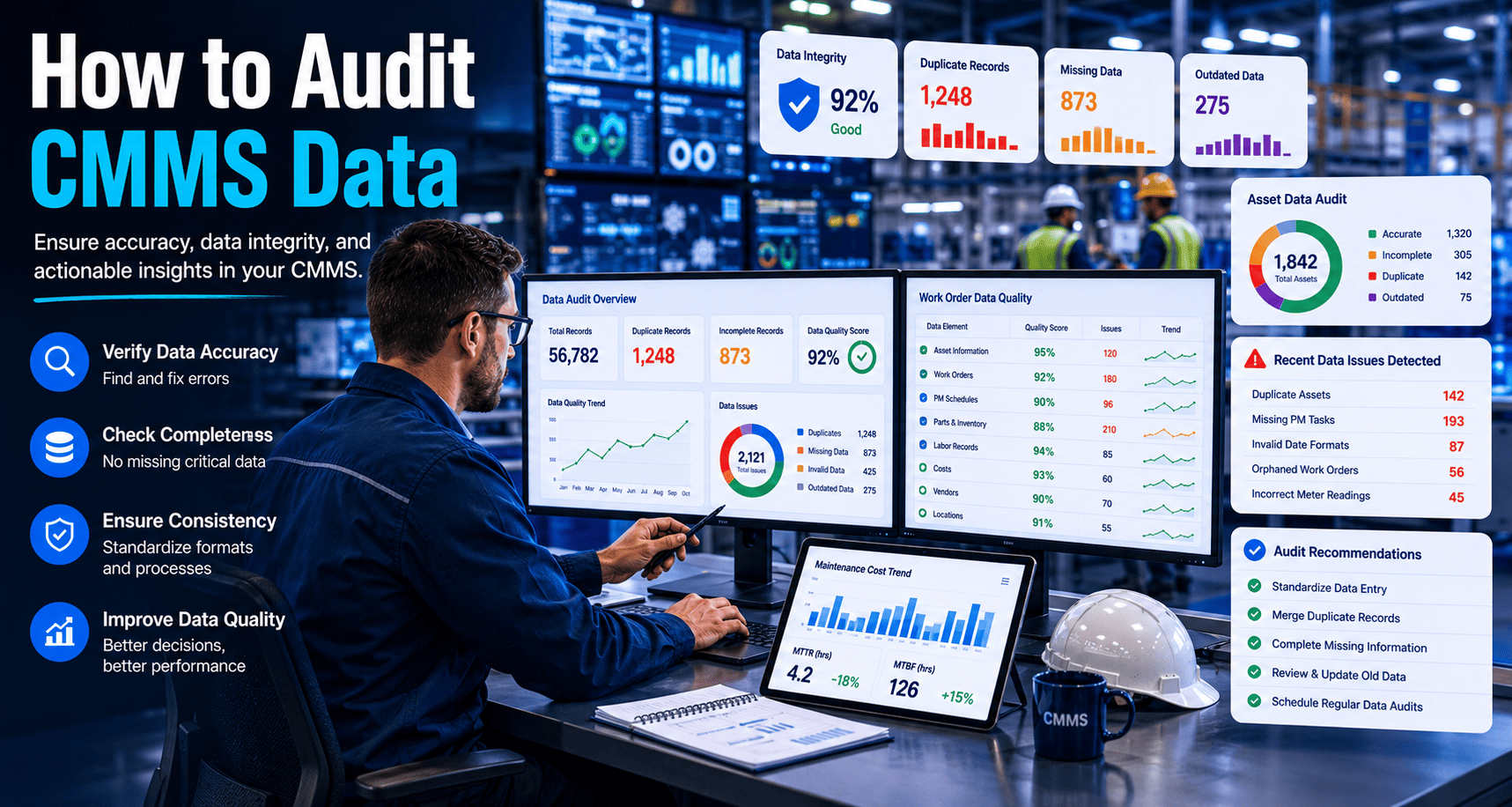
Every user action — creation, edit, status change, sign-off — is timestamped and tied to a specific role. GMP and ISO compliance audits become a report pull, not a manual reconstruction.
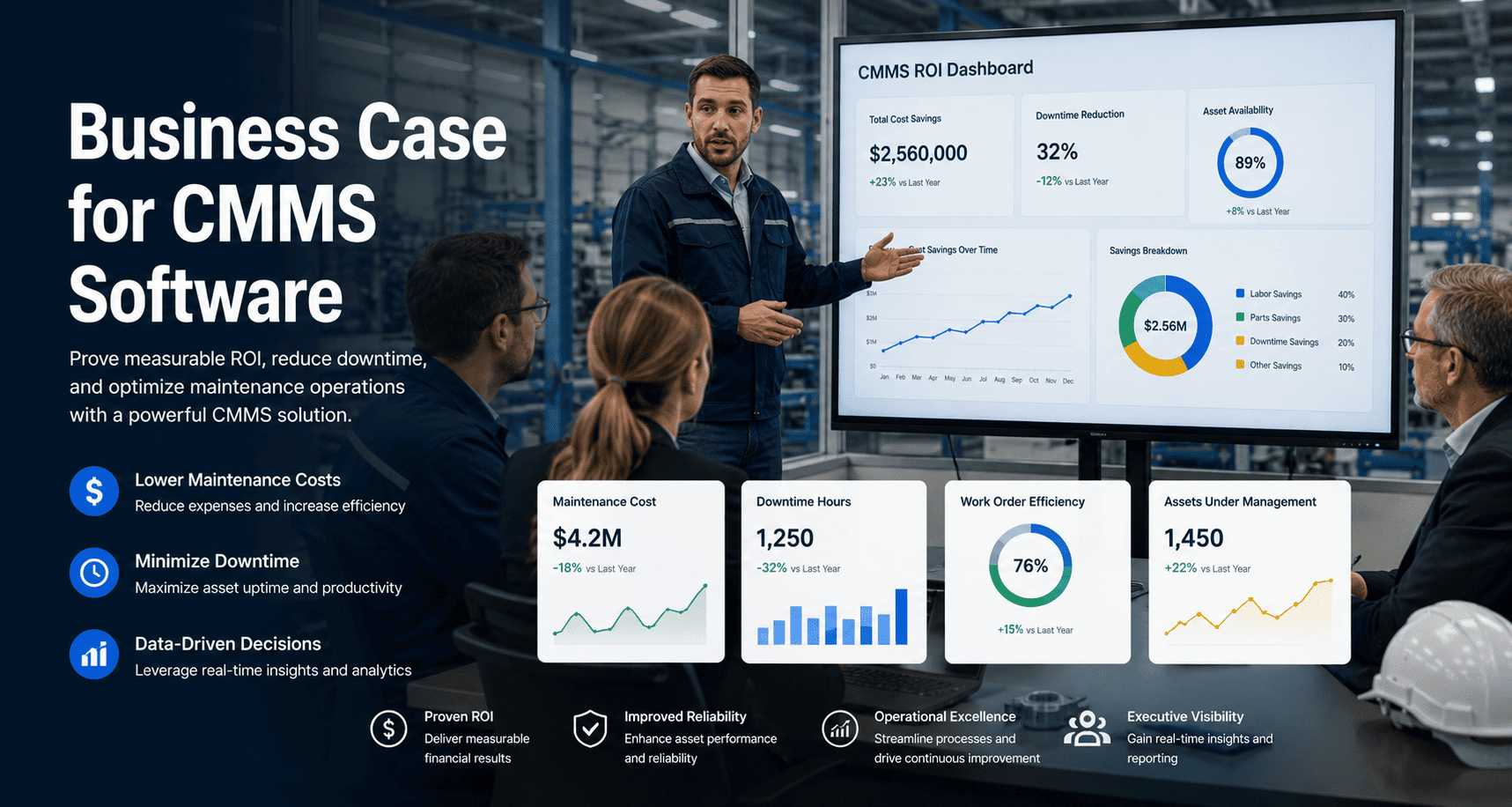
Organizations with structured CMMS permission models resolve compliance audits 3x faster — because every action has a name, a timestamp, and a role attached to it.
Flat Access vs. Role-Based Access Control
Area
Flat Access (No Roles)
Role-Based Access (CMMS)
Work Order Control
Any user can create, edit, and close any work order
Technicians update; managers approve and close
Asset Records
All users can edit asset data, condition scores, and history
Edit locked to managers; technicians get read-only view
Cost Visibility
Contractors and requesters can see labor costs and asset values
Cost data visible to managers and executives only
Contractor Access
External vendors see all properties, all assets, all jobs
Scoped to assigned work orders only — nothing else visible
Audit Trail
No actionable log — change history shows "system" not a person
Every action timestamped with user name and role
Compliance Readiness
Manual reconstruction required for every audit — high failure risk
Report pull in minutes — role-segregated, documented, complete
ROI of Structured Role-Based Access
63%
reduction in internal data errors after implementing role-based edit restrictions
3x
faster compliance audit completion with timestamped, role-attributed action logs
48%
lower CMMS support tickets when each role sees only relevant screens and functions
30 min
to configure full role structure for a 50-person team in Oxmaint — no implementation required
The impact of structured role access is measurable within the first 30 days — fewer duplicate work orders, cleaner asset records, faster audit response, and technicians who actually use the system because it shows them exactly what they need. Maintenance teams that get this right see fewer data conflicts and stronger compliance scores from day one — start a free trial to experience this shift, or book a demo to see it on your own team structure.
Frequently Asked Questions
What is the difference between a CMMS role and a permission?
A role is a predefined category — Admin, Manager, Technician, Contractor — that groups together a set of permissions appropriate for that function. A permission is a specific action: create work order, close work order, edit asset record, view cost data. Roles make permission management scalable — instead of configuring 40 individual users, you configure four roles and assign people to them. Changes to a role instantly apply to everyone in that group.
How should contractor access be configured in a CMMS?
Contractors should receive a dedicated role with the narrowest possible scope: view and update only the work orders explicitly assigned to them. They should have zero visibility into other contractors' jobs, asset cost records, PM schedules, or portfolio-level data. Most CMMS platforms including Oxmaint provide a dedicated contractor portal that enforces this automatically — the contractor logs in and sees only their assigned queue, with no navigation to other system areas.
Does Oxmaint support site-level or property-level permission scoping?
Yes. Oxmaint permissions follow the platform's native hierarchy — Portfolio, Property, System, Asset, Component. A manager assigned to a specific property sees only that property's work orders, assets, PM schedules, and reports. They cannot see other properties in the portfolio unless explicitly given access. This makes Oxmaint particularly effective for multi-site operations where each property manager needs full visibility into their site but zero visibility into others.
How does role-based access help with GMP or ISO compliance audits?
GMP and ISO 55001 audits require documented evidence that only authorized personnel performed specific actions — creating PMs, approving work orders, editing asset records, signing off on inspections. With flat access, this evidence does not exist. With role-based access, every action is timestamped and attributed to a named user in a specific role. Audit preparation becomes a report pull rather than a multi-day manual reconstruction — and findings related to unauthorized access are eliminated at the source.
Ready to Secure Your Maintenance Platform
Stop Running Your CMMS Without Access Control
Every day without structured permissions is another day of untracked edits, compliance gaps, and contractor data exposure. Oxmaint makes role configuration simple — your team can be properly structured and live within 30 minutes.
Real-time asset visibility across every role level
Audit-ready action logs for GMP and ISO compliance
5–10 year CapEx forecasting for leadership and finance
Used by operations teams managing 10,000+ assets · Live in days, not months · No heavy implementation required