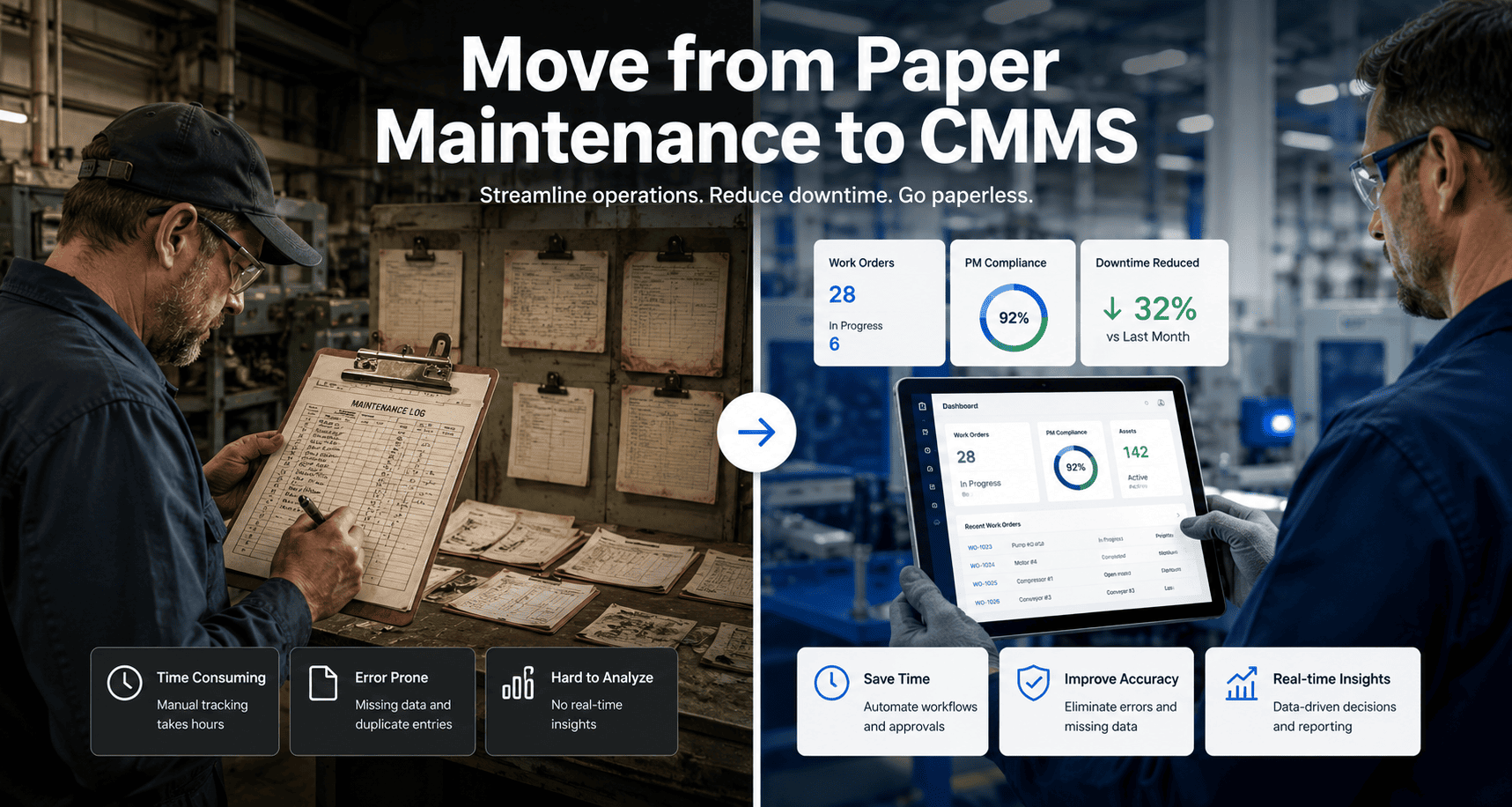
Paper maintenance logs feel safe because they are familiar — but they are silently costing your facility more than any single piece of equipment on your floor. The average maintenance team spends 4.5 hours per week just searching through paper records, and that number does not include the cost of compliance failures, missed PMs, and reactive breakdowns caused by information nobody could find in time. Moving from paper to a CMMS is not a technology project — it is an operational transformation that pays for itself within the first 60 days — start a free trial with Oxmaint and begin your paper-to-digital transition today, or book a demo and we will map your current paper workflow to a fully digital system.
The Paper Reality
4.5 hrs
Lost per week searching paper records per technician
62%
Of paper work orders contain errors or missing data
The Digital Result
88%
PM compliance within 90 days of going digital
10 min
Audit prep time vs 3–5 days with paper records
Identify Hidden Cost Leaks Instantly
See how much your paper system is really costing you
Real-time asset visibility
Predictive failure alerts
5–10yr CapEx forecasting
What Is This Transition
Paper to CMMS — What Actually Changes and What Does Not
Moving from paper maintenance logs to a CMMS means replacing physical work orders, inspection sheets, log books, and spreadsheets with a single digital platform where every maintenance activity is created, completed, documented, and analysed in real time. The records do not disappear — they become searchable, auditable, and actionable in ways paper never can be.
What does not change is the actual maintenance work. Technicians still perform the same tasks on the same assets. What changes is how those tasks are assigned, tracked, and learned from. A paper system captures that a task was done. A CMMS captures what was done, how long it took, what parts were used, what condition the asset was in, and what should be done next — creating an institutional memory that survives every personnel change.
For maintenance managers, the shift from paper to digital is the difference between managing by memory and managing by data — start a free trial to see what your maintenance data looks like when it is actually organized, or book a demo and walk through your paper workflow step by step with our team.
Task completed — unknown when
Timestamped, GPS-tagged completion
Parts used — maybe noted
Parts logged, inventory auto-updated
Condition — technician's memory
Condition score, photo attached
History — find the right binder
Full history, searchable in seconds
Audit prep — 3 to 5 days
On-demand report, under 10 minutes
Paper work orders have a 62% error or omission rate. Every missing field is a liability gap and a compliance risk your auditor will find before you do.
Why Teams Stay on Paper
The 4 Real Reasons Facilities Have Not Made the Switch Yet
Understanding why paper persists is the first step to overcoming it. These are not irrational positions — they are legitimate concerns that a well-planned digital transition addresses directly. Recognising them early prevents the resistance from becoming a rollout blocker.
01
"We have always done it this way"
Institutional inertia is the most honest barrier. Paper feels proven. The counter-argument is simple: paper-based plants run 58% reactive maintenance on average. Digital-first plants run 26%. That gap is pure cost.
02
Fear of losing historical records
Nobody wants to delete nine years of maintenance history. The solution is not deletion — it is archiving. Historical paper records go to scanned read-only storage. Only active operational data migrates into the CMMS.
03
Concern that technicians will not adopt it
Valid concern, wrong conclusion. Technicians resist systems that make their work harder, not systems that make it easier. A mobile-first CMMS that lets a tech scan a QR code and close a work order in 90 seconds gets adopted. A desktop-only system with 14 required fields does not.
04
Perceived cost and implementation time
The assumption is that going digital means a 6-month implementation project and a five-figure consulting bill. Cloud-based CMMS platforms like Oxmaint deploy in days, require no IT team, and offer free trials that let you validate the system before any budget commitment.
The Migration Roadmap
6 Steps to Move From Paper Logs to a Live CMMS
This is the sequence that works. Every step has a defined output. Do not start the next step until the current one is done — the plants that try to run all six steps simultaneously are the ones still half-migrated 18 months later.
Audit Your Paper System Before You Touch Anything
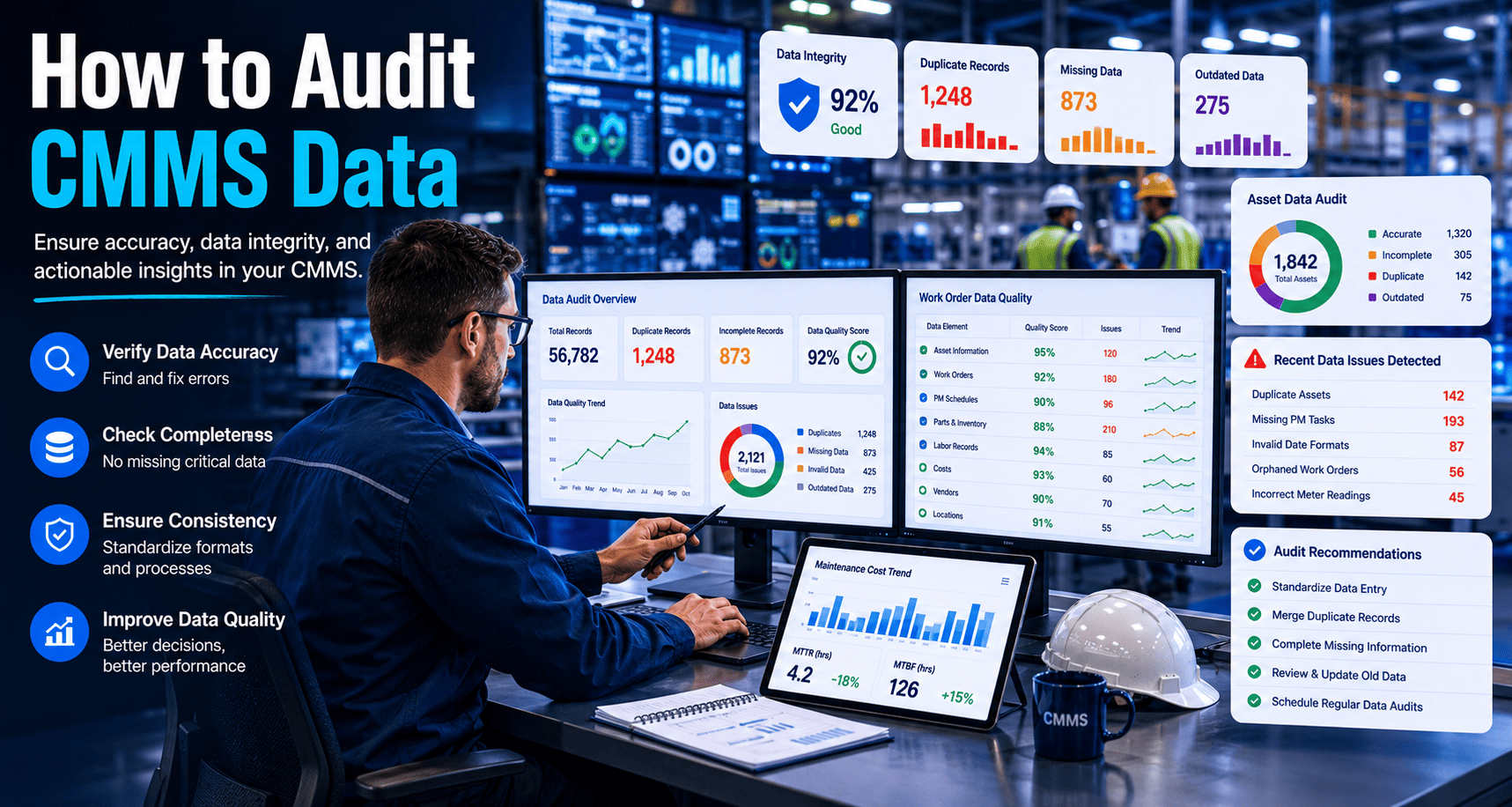
Spend one week documenting exactly what paper records exist, where they are stored, and who uses them. You will find three categories: active operational records you need in the CMMS, historical records worth archiving, and outdated junk to discard. Most teams discover they are maintaining significantly more paper systems than anyone remembered.
Output: a complete inventory of every paper system, categorised by migration priority
Build a Clean Digital Asset Register First
Before migrating a single work order or PM schedule, create a validated digital asset register. Every asset needs a name, location, category, and criticality level — at minimum. Assign each asset a unique identifier that will match your CMMS records to your physical equipment via QR tags or asset plates. This register is the foundation everything else builds on.
Output: validated digital asset register, criticality classifications assigned
Migrate Active PM Schedules From Paper Into CMMS
Take your paper PM library — the binders, laminated cards, or spreadsheets that define what gets done and how often — and import those schedules into the CMMS linked to the correct assets. Validate each frequency against OEM manuals. Start with your top 20% most critical assets; they generate 80% of your compliance value. Defer low-criticality assets to a second migration wave.
Output: PM schedules live in CMMS, linked to assets, frequencies validated
Train Technicians on Mobile Workflows Before Go-Live
Run hands-on mobile training for every shift group before going live — not during the cutover. Technicians who first encounter the system under production pressure reject it. Each technician should complete 5 practice work orders in a sandbox environment. Appoint a floor champion per shift to handle peer questions on Day 1 without overwhelming the program owner.
Output: 100% technician completion rate on practice work orders, floor champions named
Run Two Weeks Parallel Operation, Then Cut Paper
For exactly two weeks, run paper and digital workflows in parallel. Every work order gets created in both systems. This reveals scheduling gaps, workflow friction, and any assets missing from the register. After 14 days of parallel running with zero gaps, retire the paper — hard, on a named date, with no fallback. Facilities that keep paper "just in case" never complete the transition.
Output: 14 days clean parallel operation, paper formally retired on named date
Establish Weekly Review Rhythm and Measure Everything
A 30-minute weekly stand-up reviewing PM compliance rate, open work orders, and overdue tasks is the habit that cements digital adoption permanently. Track four KPIs from Day 1: PM compliance rate, average work order close time, reactive-to-planned ratio, and mobile adoption rate. Teams that measure weekly see compliance hold and improve. Teams that skip reviews see it decay within 60 days.
Output: weekly review cadence locked in, Day 90 KPI review scheduled with leadership
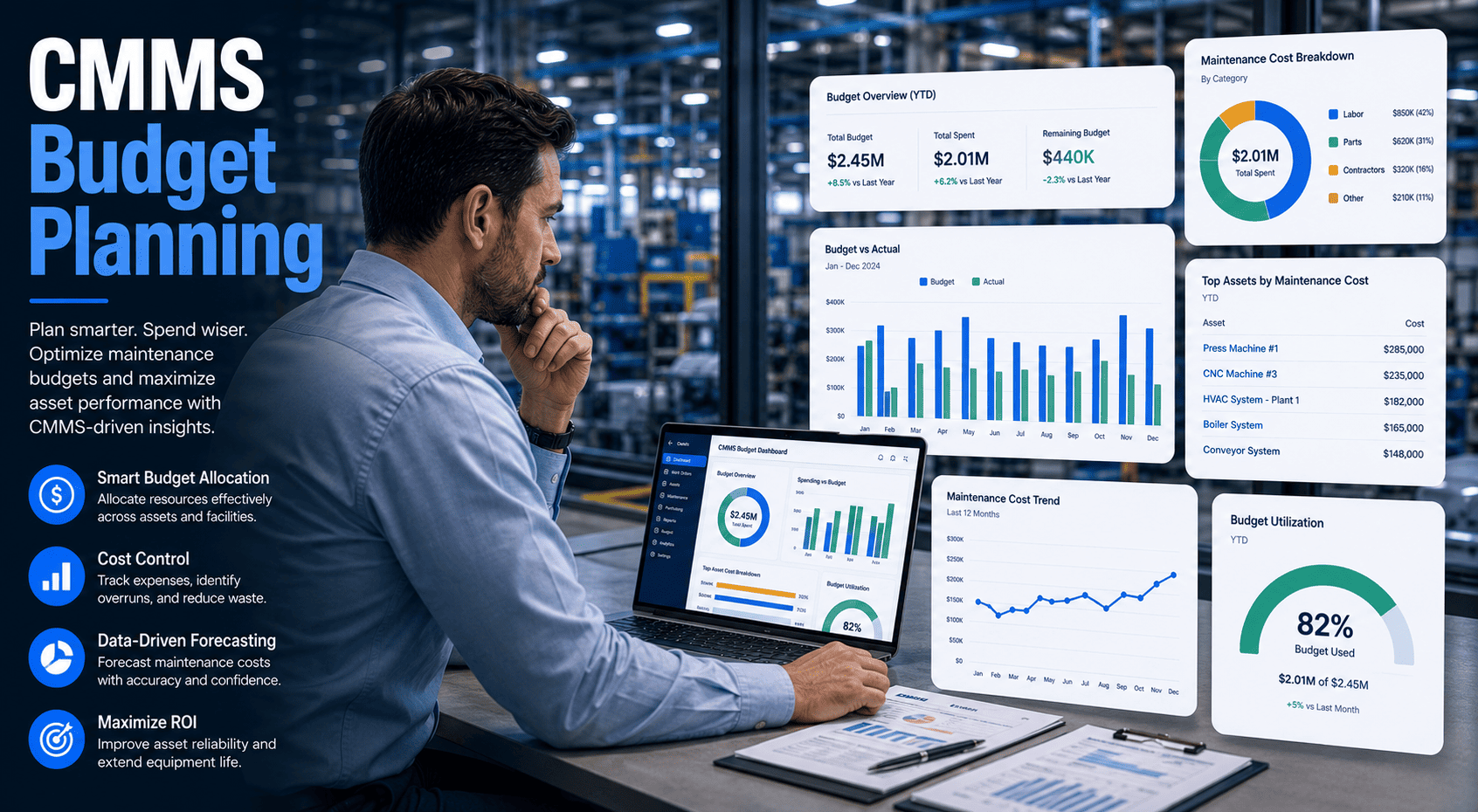
Most facilities lose 20–40% of maintenance budget to untracked assets. A CMMS makes every asset visible, every cost traceable, and every CapEx request defensible.
Before vs After
Paper-Based Maintenance vs Digital CMMS — The Full Comparison
| Area |
Paper-Based System |
Digital CMMS |
| Work Order Creation |
Manual form, filed in folder, lost or illegible |
QR scan to open, close in 90 seconds, auto-archived |
| PM Scheduling |
Paper calendar, binder, or individual memory |
Auto-triggered by date or meter, never missed |
| Asset History |
Requires finding the correct binder and date range |
Full searchable history, accessible on any device |
| Compliance Audit Prep |
3–5 days of manual document preparation |
On-demand report generated in under 10 minutes |
| Parts Tracking |
Paper log or memory, frequently inaccurate |
Parts linked to assets, inventory auto-decremented |
| CapEx Planning |
Gut feel, rejected by finance regularly |
Condition-based 5–10yr forecasting, CFO-ready |
| Knowledge Retention |
Leaves with every experienced technician |
Permanent, searchable, institution-owned record |
| Reactive Maintenance Rate |
58% average in paper-based facilities |
26% within 90 days of structured digital migration |
ROI and Results
What Facilities Gain in the First 90 Days After Going Digital
These numbers come from facilities that completed the paper-to-CMMS transition using the structured 6-step process above. The ROI is not a projection — it is the operational gap between what paper-based maintenance costs and what digital maintenance costs — start a free trial to begin closing that gap today, or book a demo and see the numbers applied to your specific asset base.
40%
Reduction in Breakdown Costs
Facilities shifting from reactive to planned maintenance within 90 days of going digital
78%
Faster WO Close Time
9.4 days to 2.1 days
88%
PM Compliance at Day 90
From 52% paper baseline
91%
Technician Mobile Adoption
With QR tags and hands-on training
0
Operational Disruptions
When phased migration is followed
Common Questions
Frequently Asked Questions About Paper to CMMS Migration
Do we need to scan and digitise all our paper records before starting?
No — and trying to do so is one of the most common reasons migrations stall. Only migrate what active operations require: current asset records, active PM schedules, open work orders, and 12 months of failure history for critical assets. Everything else goes to a scanned read-only archive. Pre-digitising nine years of records before go-live is how a 6-week project becomes an 18-month one.
Start a free trial and use the Oxmaint migration scope template to define exactly what moves and what stays.
How do we handle technicians who are not comfortable with smartphones or tablets?
This is the most common concern and the least common actual problem. Technicians who resist smartphones resist them because they have been burned by clunky desktop systems before — not because they cannot use mobile devices. A 2-hour hands-on training session with a mobile-first CMMS that has 3-tap work order completion converts 90% of initial resisters. The 10% who continue to struggle are typically best served by assigning a floor champion on their shift who handles the digital entry while they perform the work.
What happens to our OSHA and compliance records if we switch systems mid-year?
Paper records up to your go-live date remain as your compliance record for that period — you do not need to migrate them retroactively for regulatory purposes. From go-live forward, your CMMS creates the automatic audit trail. Keep legacy paper in organised binders with a clear date cutoff label. Most facilities maintain their physical audit records for 3–7 years per regulatory requirements regardless of which system generated them.
How long does it realistically take to fully transition from paper to CMMS?
For a facility with 50–500 assets following the 6-step process above, 4–8 weeks from decision to paper retirement is realistic. The variable is how clean your starting data is, not how complex your operations are. Facilities with a validated asset list and organised PM binders can migrate in 3 weeks. Facilities discovering their asset register is incomplete can take 10–12 weeks. The only way to know your specific timeline is to scope your starting data state —
book a demo and we will scope that in 30 minutes.
Stop Losing Millions to Reactive Maintenance
Your Paper System Is Costing More Than Your Next CMMS Ever Will
Turn every asset into a predictable, trackable system with Oxmaint. The 6-step migration process in this guide is built into every Oxmaint onboarding — structured, fast, and designed to get your team fully digital within 6–8 weeks.
No heavy implementation required
·
Works across multi-site portfolios
·
Live in days, not months
- Real-time asset visibility from your first digital work order
- Predictive failure alerts before breakdowns reach the floor
- 5–10 year CapEx forecasting built from live asset condition data
Used by operations teams managing 10,000+ assets. Limited onboarding slots available this quarter.