A maintenance coordinator at a food manufacturing plant in the UK spends 3.5 hours every Monday manually creating work orders from weekend inspection reports, copying asset data from one system into another, typing purchase order requests for parts, and updating compliance logs by hand. That is 182 hours per year — nearly five full working weeks — on tasks a software bot can execute in under 4 minutes. Robotic Process Automation is not a concept for the future of maintenance. It is deployed today in facilities across manufacturing, property, healthcare, and industrial operations — automating the exact workflows that consume maintenance teams' time without adding any operational value. The global RPA market reached $22.58 billion in 2025, growing at 19% annually. Book a demo to see how Oxmaint automates maintenance workflows — from work order generation to purchase orders — without manual intervention. Siemens deployed RPA across its predictive maintenance operations and documented a 25% reduction in equipment downtime by automating the analysis and flagging of IIoT anomalies. The same principle applies to every maintenance operation managing repetitive, rule-based workflows at scale.
Stop Doing Manually What Bots Can Do in Seconds
Oxmaint automates work order creation, parts procurement, compliance reporting, and PM scheduling — freeing your team for work that actually requires human judgment.
$22.6B
Global RPA market size in 2025, growing at 19% CAGR through 2034
25%
Equipment downtime reduction documented by Siemens using RPA on maintenance workflows
5x
Faster task execution — RPA bots complete maintenance admin tasks 5x faster than manual processing
30%
Operational cost reduction achievable by combining RPA with redesigned maintenance workflows
WHAT IS RPA FOR MAINTENANCE
RPA in Maintenance: Not Robots on the Floor — Bots in the System
Robotic Process Automation in maintenance has nothing to do with physical robots. RPA deploys software bots that mimic the exact steps a human takes inside digital systems — logging into CMMS platforms, reading sensor data, creating work orders, checking inventory levels, generating purchase requests, updating compliance records — executing these tasks automatically based on predefined rules, 24 hours a day, without error or delay. In maintenance operations, where 10–25% of team time is consumed by repetitive admin tasks, RPA is the fastest way to recover capacity without adding headcount.
RPA for Maintenance — Defined
Software bots that automate rule-based, repetitive maintenance workflows — including work order generation, parts procurement, compliance reporting, PM scheduling, and data entry — executing tasks across connected systems without human intervention at speeds and accuracy rates impossible to match manually.
THE MANUAL MAINTENANCE PROBLEM
Where Maintenance Teams Lose the Most Time to Manual Work
Before applying RPA, it is essential to identify which workflows are consuming the most time for the least value. These are the eight highest-volume manual tasks in maintenance operations — and the ones most amenable to full automation.
Work Orders
Manual Work Order Creation
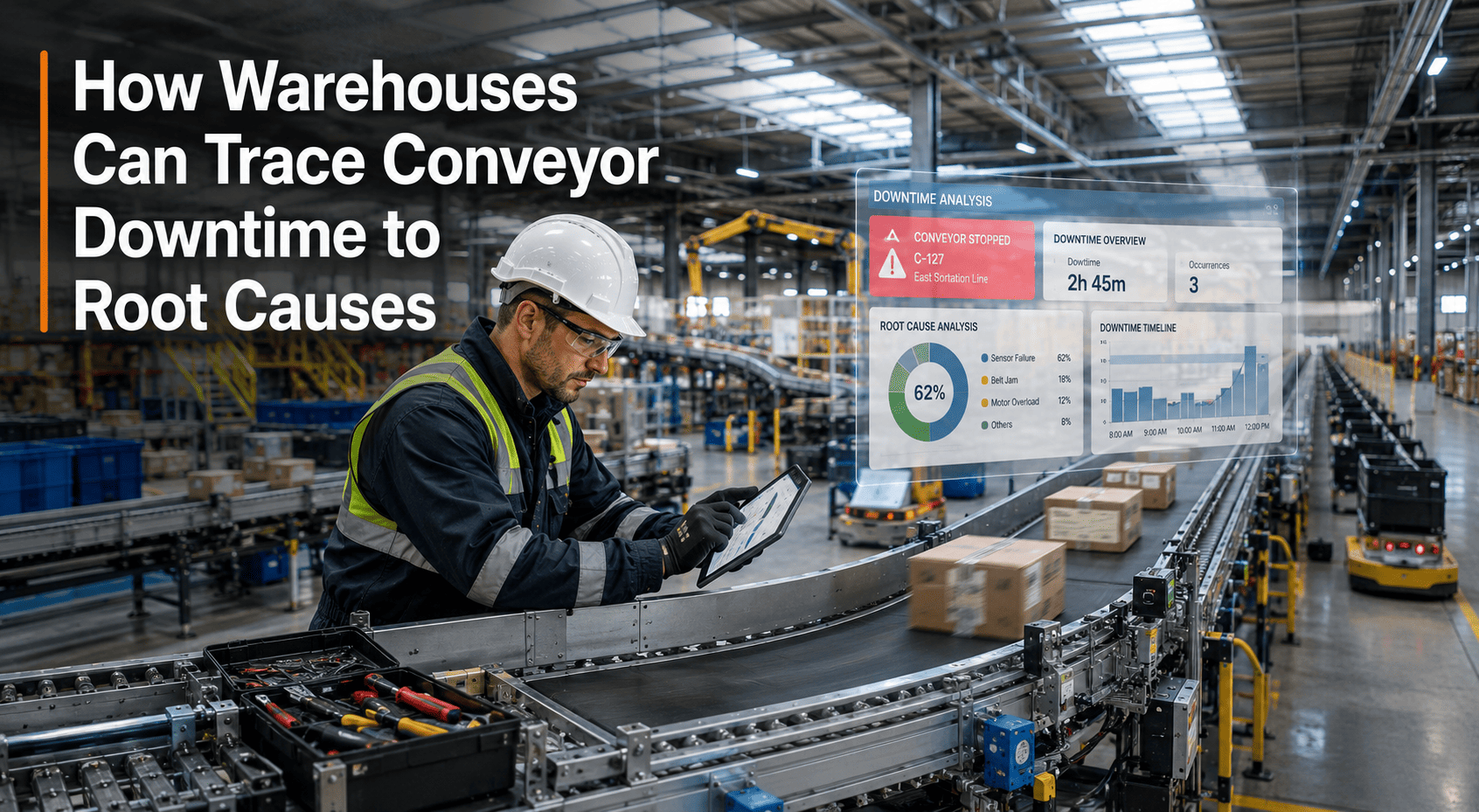
Technicians and coordinators manually transcribe fault reports, inspection findings, and sensor alerts into CMMS work orders. Average manual entry time: 12–18 minutes per work order. RPA creates the same work order in under 30 seconds from any trigger source.
Procurement
Parts Purchase Order Processing
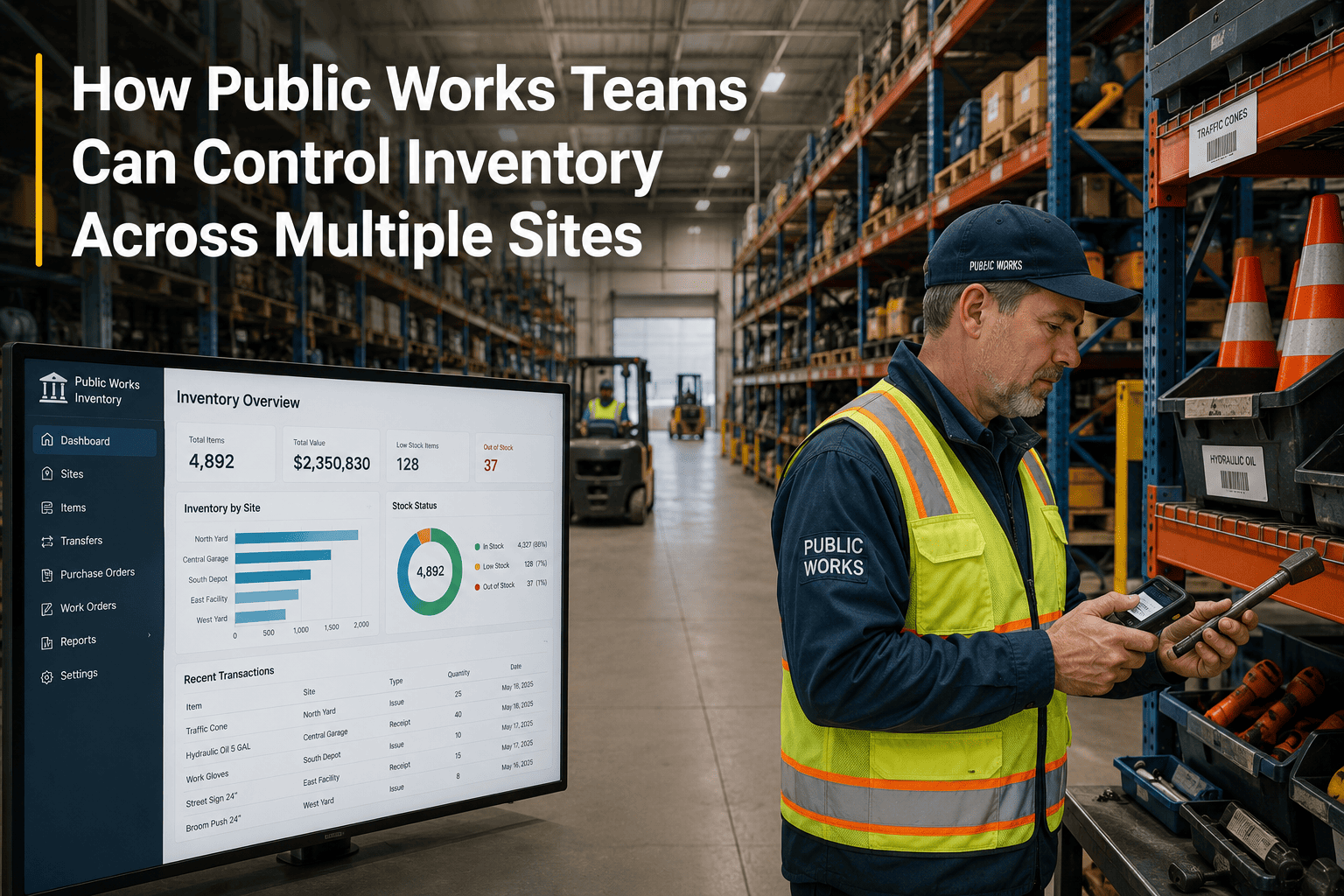
Maintenance coordinators check stock levels, compare supplier prices, generate purchase requests, and route approvals manually — a process taking 45–90 minutes per order. RPA executes the full procurement workflow from stock check to PO generation automatically when reorder thresholds are hit.
Compliance
Compliance Report Generation
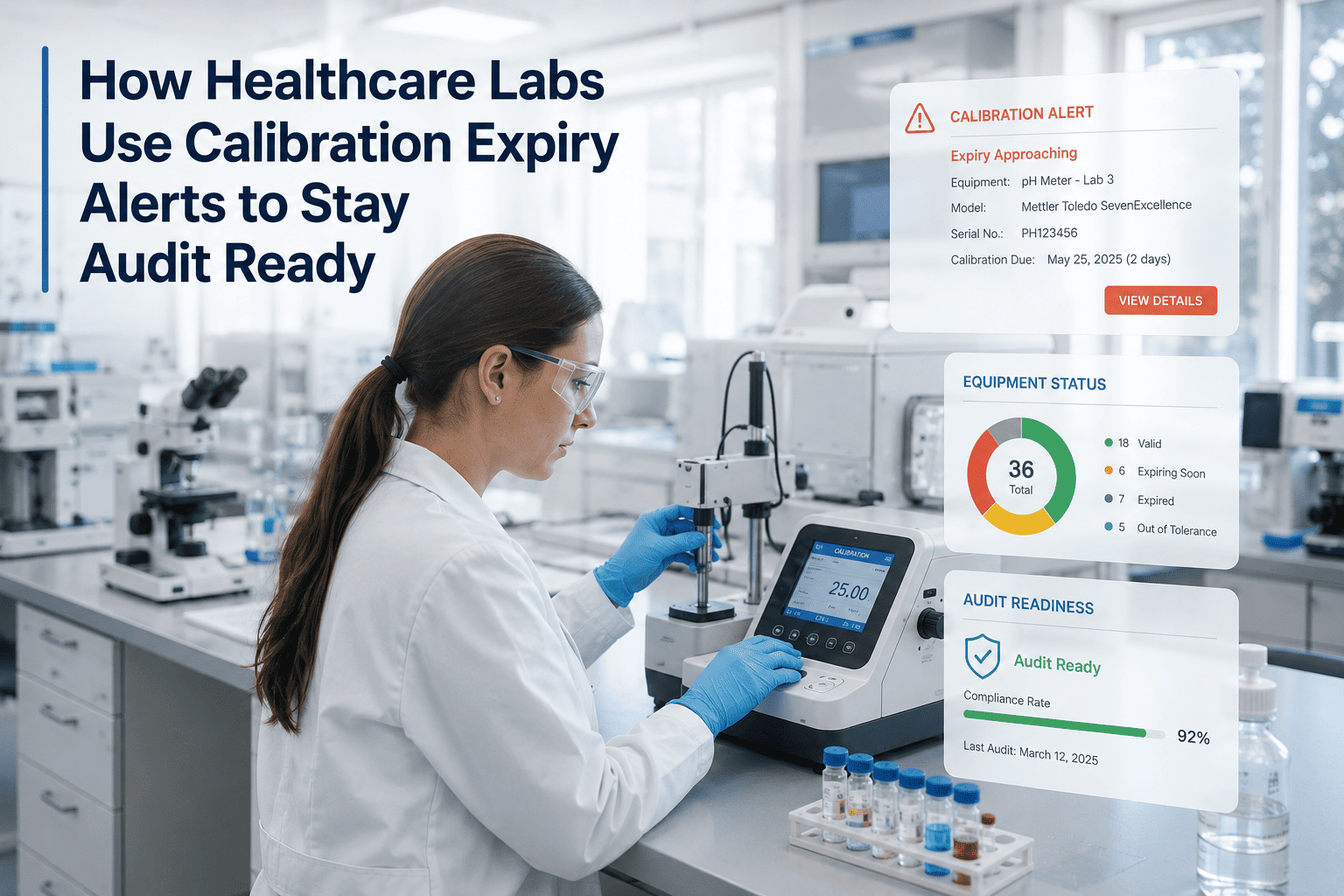
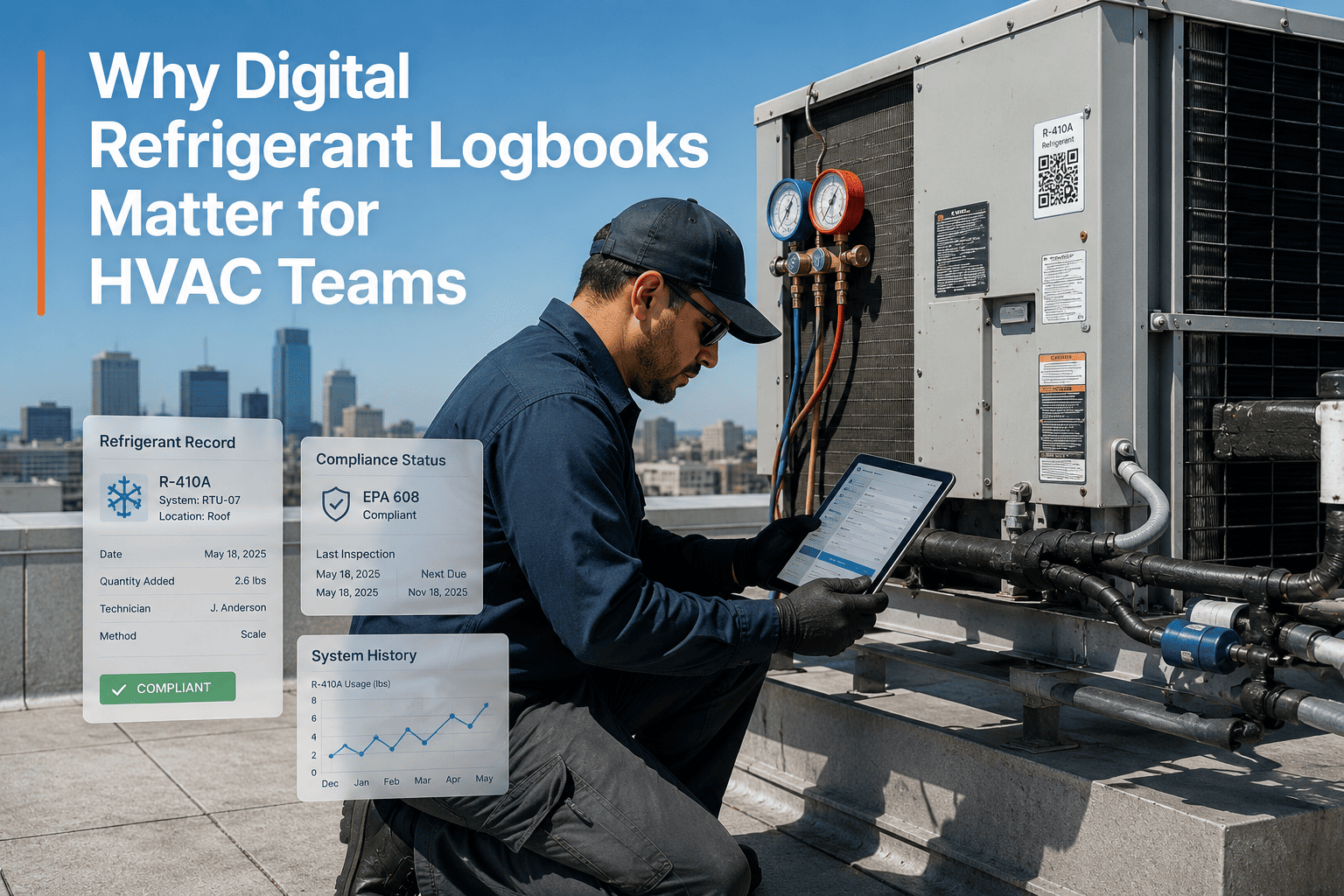
Pulling maintenance logs, inspection records, and work order histories into regulatory compliance reports consumes 4–8 hours monthly per facility. RPA aggregates and formats compliance documentation automatically on a configurable schedule — audit-ready before the auditor arrives.
Scheduling
PM Schedule Assignment
Matching available technicians to scheduled PM tasks, checking skill certifications, and confirming parts availability before assignment is a daily administrative burden. RPA reads the PM calendar, checks technician availability, verifies parts stock, and issues task assignments without coordinator involvement.
Reporting
KPI and Performance Reporting
Compiling MTBF, MTTR, PM compliance rates, and maintenance cost summaries from multiple data sources into weekly or monthly reports consumes hours of coordinator time. RPA extracts, calculates, and distributes performance reports automatically to all stakeholders on schedule.
Data Entry
Cross-System Data Synchronisation
Maintenance data entered in the CMMS must often be manually re-entered in ERP, finance, or property management systems. RPA eliminates duplicate data entry by automatically syncing records across all connected platforms whenever a work order is created, updated, or closed.
Inspections
Inspection Result Processing
When inspection results reveal deficiencies, coordinators manually escalate findings, create corrective work orders, and notify relevant teams. RPA reads inspection outcomes and automatically triggers the appropriate follow-up workflow — corrective WO, parts order, or manager notification — based on finding severity.
Invoicing
Contractor Invoice Matching
Matching contractor invoices to completed work orders, verifying labour hours, and routing for payment approval is a high-volume, error-prone manual process. RPA cross-references invoices against closed work orders, flags discrepancies automatically, and routes approved matches to finance without human review.
HOW OXMAINT AUTOMATES IT
Oxmaint AI and Automation: RPA Built Into Your CMMS
Oxmaint embeds automation directly into the maintenance workflow engine — no separate RPA platform required, no complex integration project, no IT dependency to get started. Automation triggers are configured inside the same platform managing your assets, work orders, and teams.
01
Trigger Detection
An IIoT sensor breaches a temperature threshold, an inspection records a deficiency, or a PM schedule reaches its due date. Oxmaint detects the trigger event automatically — no human notification required.
02
Work Order Generation
Oxmaint auto-creates a work order with asset ID, fault description, priority classification, required parts list, and estimated repair window — populated from asset records and historical maintenance data.
03
Parts and Procurement
Stock levels for required parts are checked automatically. If below threshold, a purchase request generates and routes for approval. If stock is adequate, parts are reserved against the work order immediately.
04
Technician Assignment
Available technicians with the required skill certifications are identified. The work order is assigned and a mobile notification dispatched — all before a coordinator has opened their inbox for the morning.
OXMAINT AUTOMATION FEATURES
Six Automation Capabilities That Replace Manual Maintenance Admin
Every Oxmaint automation feature targets a specific manual workflow that consumes coordinator and manager time without contributing to equipment uptime or asset reliability.
Automated Work Order Rules
Configure trigger conditions — sensor threshold, inspection finding, PM due date, production unit count — and Oxmaint creates, classifies, assigns, and tracks the resulting work order automatically. Zero manual entry from trigger to technician.
Predictive Parts Procurement
AI forecasts parts demand from asset condition scores and PM schedules. Purchase requests generate automatically when stock falls below the calculated reorder point — accounting for actual supplier lead times, not quoted estimates.
Automated Compliance Reporting
Scheduled compliance reports compile automatically from work order histories, inspection records, and digital signatures. OSHA, ISO, GMP, and regional regulatory templates populate on configurable cadence — monthly, quarterly, or on demand.
Digital Inspection Escalation
When a mobile inspection records a deficiency above a defined severity threshold, Oxmaint automatically escalates to a corrective work order, notifies the asset owner, and adjusts the next inspection interval — no coordinator review required for routine findings.
Cross-System Data Sync
Oxmaint connects to ERP, finance, and property management platforms via API. Closed work orders, invoice matching data, and asset condition updates synchronise automatically — eliminating the manual re-entry that creates 80% of maintenance data errors.
Automated KPI Distribution
MTBF, MTTR, PM compliance rate, OEE impact, and maintenance cost-per-asset reports generate and distribute automatically to plant managers, VPs, and ownership groups on a defined schedule — no coordinator time required to compile or format.
BEFORE VS. AFTER
Manual Maintenance Operations vs. RPA-Automated Workflows
The Automation Impact: What Changes When RPA Replaces Manual Maintenance Admin
ROI AND RESULTS
What RPA Automation Delivers in Maintenance Operations
182hrs
Admin Time Recovered Per Year
A single maintenance coordinator spending 3.5 hours per week on manual workflow admin recovers nearly five full working weeks annually when those tasks are automated — redirected to planned maintenance and reliability work.
25%
Equipment Downtime Reduction
Siemens documented a 25% reduction in equipment downtime after deploying RPA bots to automatically analyse IIoT data and flag maintenance anomalies — eliminating the human latency in alert-to-action cycles.
30%
Operational Cost Reduction
Organisations combining RPA with redesigned operational workflows reduce total operational costs by an average of 30% — driven by fewer emergency repairs, lower labour costs per work order, and eliminated procurement premiums.
9 mo
Average RPA Payback Period
Organisations that have implemented and scaled RPA report an average 9-month payback period — consistent across manufacturing, facility management, and industrial operations where maintenance workflows are the primary automation target.
FAQ
Frequently Asked Questions
Does Oxmaint require a separate RPA platform to automate maintenance workflows?
No. Oxmaint's automation capabilities are built directly into the CMMS — not layered on top of it through a separate RPA tool. Work order rules, procurement triggers, inspection escalations, compliance report scheduling, and KPI distribution are all configured inside Oxmaint without any external automation platform, middleware, or IT integration project. This eliminates the complexity and cost of deploying standalone RPA software alongside a CMMS and reduces total implementation time from months to days.
Sign up free to configure your first automation rule today, or
book a demo to see the full automation engine in action.
Which maintenance workflows benefit most from RPA automation in the first 60 days?
The highest-impact automations to deploy first are work order creation from IIoT triggers, parts reorder generation from stock level thresholds, and compliance report scheduling. These three workflows collectively account for the majority of repetitive maintenance admin time in most facilities — and all three can be configured in Oxmaint within the first week of deployment using existing asset data and maintenance history. After these are stable, inspection escalation and cross-system data sync typically deliver the next largest time recovery.
Can RPA automation in Oxmaint handle exceptions and non-standard maintenance scenarios?
RPA handles rule-based, repetitive workflows with near-zero error rates. When a scenario falls outside the defined rules — a complex failure mode requiring engineering judgment, a procurement decision involving a new supplier, or a compliance finding requiring interpretation — Oxmaint routes the exception to a human reviewer rather than processing it automatically. This human-in-the-loop design ensures automation handles the volume while human expertise handles the exceptions — a balance that maintains accuracy without requiring manual oversight of every transaction.
Book a demo to review exception handling workflows, or
start free and configure your first automation rule in under an hour.
How does Oxmaint automation integrate with existing ERP and finance systems?
Oxmaint connects to ERP, finance, and property management platforms via REST API and standard data integration protocols. Completed work orders, purchase requests, invoice matching records, and asset condition updates synchronise automatically to connected systems when workflow milestones are reached — eliminating the duplicate data entry that creates the majority of maintenance data errors in operations running multiple disconnected platforms. API connectivity is available for SAP, Oracle, major accounting platforms, and custom ERP systems. No manual re-entry required across any connected system after initial integration setup.
Automate the Admin. Focus on Reliability.
Oxmaint's built-in automation engine eliminates manual work orders, reactive procurement, and time-consuming compliance reporting — so your maintenance team spends time preventing failures, not processing paperwork. Deploy in days. No separate RPA platform required.