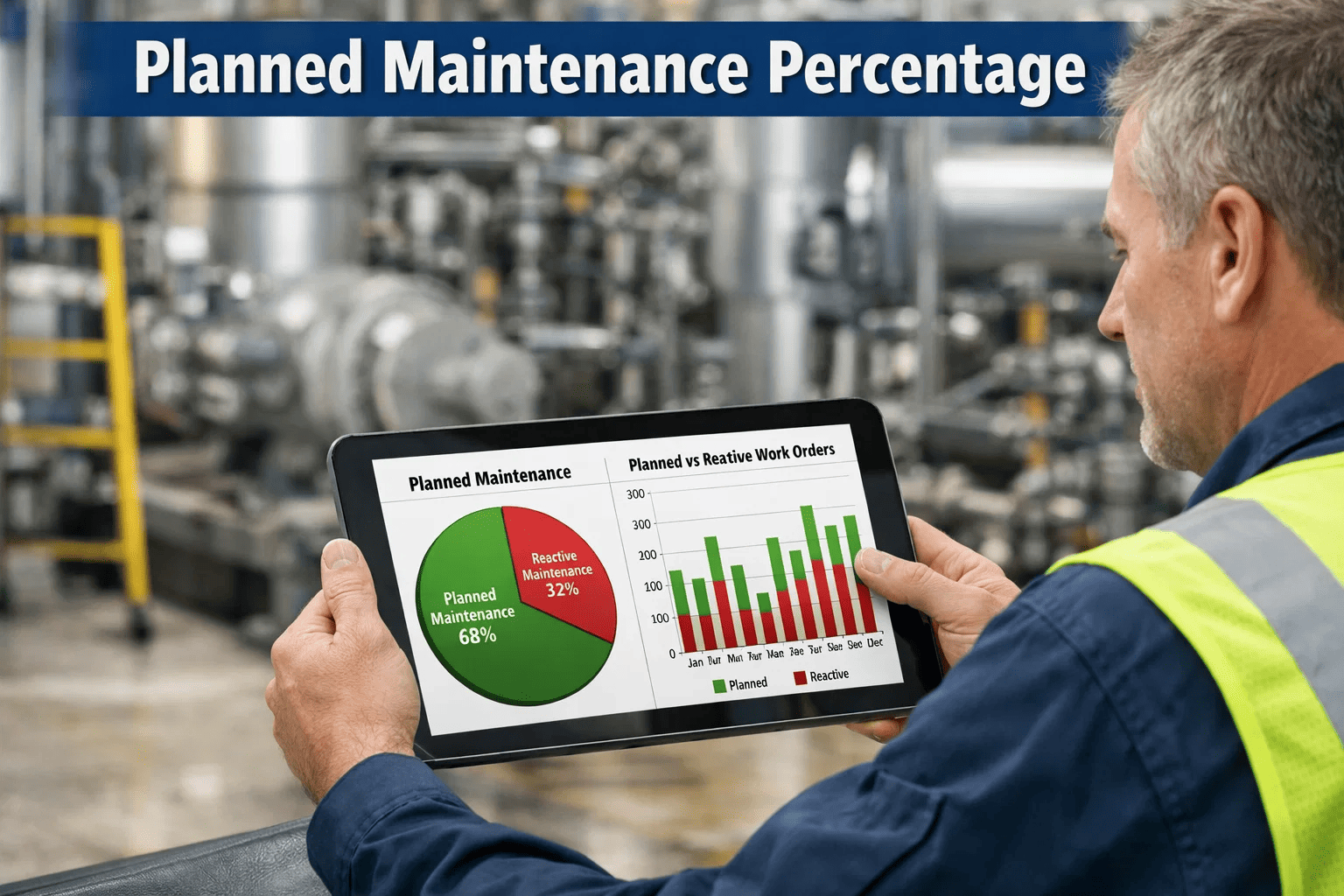
A food processing plant in Ontario was spending $2.1 million annually on maintenance. Their CMMS showed 312 work orders completed per month. Management assumed the team was performing well — until an insurance assessment flagged that only 38% of those work orders were planned preventive tasks. The remaining 62% were reactive: breakdowns, emergency repairs, and unscheduled corrective work. That single number — Planned Maintenance Percentage — told their VP of Operations more about their maintenance programme's health than any other report they'd reviewed that year. The world-class target is 80% PMP or above. Below 60%, and your maintenance operation is functionally reactive — burning 4.8x more per repair than a team operating on prevention. If you don't know your facility's current PMP, start a free trial of OxMaint and calculate it in your first week — or book a demo to see how OxMaint tracks PMP automatically across every site.
Maintenance KPIs / Performance Metrics
Planned Maintenance Percentage (PMP): KPI Guide and Benchmark
PMP is the single ratio that tells you whether your maintenance team is in control — or reacting. Learn how to calculate it, benchmark against world-class targets, and use CMMS data to push it above 80%.
World-class PMP target across industrial operations
38%
Average PMP at facilities with no formal maintenance programme
4.8x
Higher cost per repair when reactive vs planned
$1,400
Average cost savings per planned vs unplanned repair event
What Is Planned Maintenance Percentage?
Planned Maintenance Percentage (PMP) measures what share of your total maintenance hours or work orders were executed as planned — scheduled inspections, preventive tasks, or condition-based interventions — versus reactive: breakdowns, emergency callouts, and unscheduled corrective repairs. It is the most direct indicator of whether your maintenance operation is proactive or reactive.
Both hours-based and work-order-count methods are valid. Choose one and stick to it for consistent trending.
Condition-based maintenance work orders count as planned — they were triggered by monitoring, not by failure.
Emergency repairs triggered by failure always count as reactive — regardless of how quickly they were completed.
A CMMS automates PMP calculation in real time — no manual spreadsheet aggregation required each reporting period.
PMP Benchmark Scale: Where Does Your Operation Sit?
PMP benchmarks vary slightly by industry — heavy manufacturing tolerates slightly lower PMP due to complex breakdown repair profiles — but the following scale applies across most commercial and industrial operations.
Below 40%
Crisis-Mode Reactive
Maintenance team is firefighting. PM programme exists on paper only. Emergency labour and parts premiums dominate the budget. Asset life expectancy is significantly shortened.
40–59%
Predominantly Reactive
Some PM scheduling exists but reactive work dominates. Technicians are constantly diverted from scheduled tasks. MTBF data is unreliable. Budget overruns are common.
60–74%
Developing — Below Industry Average
PM programme is functional but incomplete. Some critical assets lack coverage. Reactive work still creates regular schedule disruption. Strong improvement potential with CMMS support.
75–84%
Competent — Industry Average
PM programme covers most assets with consistent execution. Reactive work is mostly isolated to minor assets. Technician productivity is solid. Fine-tuning criticality allocation can push to world-class.
85%+
World-Class
Proactive, condition-driven maintenance culture. Reactive work is exception, not norm. Asset lifespans are maximised. Maintenance cost per unit produced is at lowest achievable level.
4 Root Causes of Low PMP — And How to Fix Each One
A PMP below 60% is never just one problem. These four causes are the most common — and each has a specific CMMS-enabled fix that moves the needle within 90 days.
01
No PM Schedule in the System
Fix: Import all asset PMs into CMMS with frequency, assigned technician, and checklist. OxMaint generates work orders automatically — no manual scheduling.
02
PM Tasks Bumped by Reactive Work
Fix: Protect Tier 1 and Tier 2 PM tasks from reallocation by setting priority locks in CMMS. Reactive work is assigned to available capacity, not scheduled PM slots.
03
Under-Staffed for PM Volume
Fix: Use OxMaint's workload analysis to identify PM task density per week vs. available technician hours. Staffing gaps become visible — and justifiable to management — with data.
04
Reactive Work Not Classified Correctly
Fix: Configure OxMaint's work order type classification at intake. Every job is tagged Preventive, Predictive, Corrective, or Emergency at creation — so PMP calculates accurately with zero manual sorting.
How OxMaint Tracks and Improves Your PMP Automatically
OxMaint doesn't just report your PMP — it actively manages the conditions that produce it, from work order classification at creation through to PM compliance dashboards and technician workload balancing.
Automatic Work Order Classification
Every work order is typed at creation — Preventive, Predictive, Condition-Based, Corrective, or Emergency. PMP is calculated in real time from live work order data, not a monthly spreadsheet.
PM Compliance Rate Dashboard
See which PM tasks were completed on schedule, which were deferred, and which were missed — broken down by asset, technician, site, or time period. Missed PMs are the leading indicator of future reactive work.
PMP Trend by Site and Portfolio
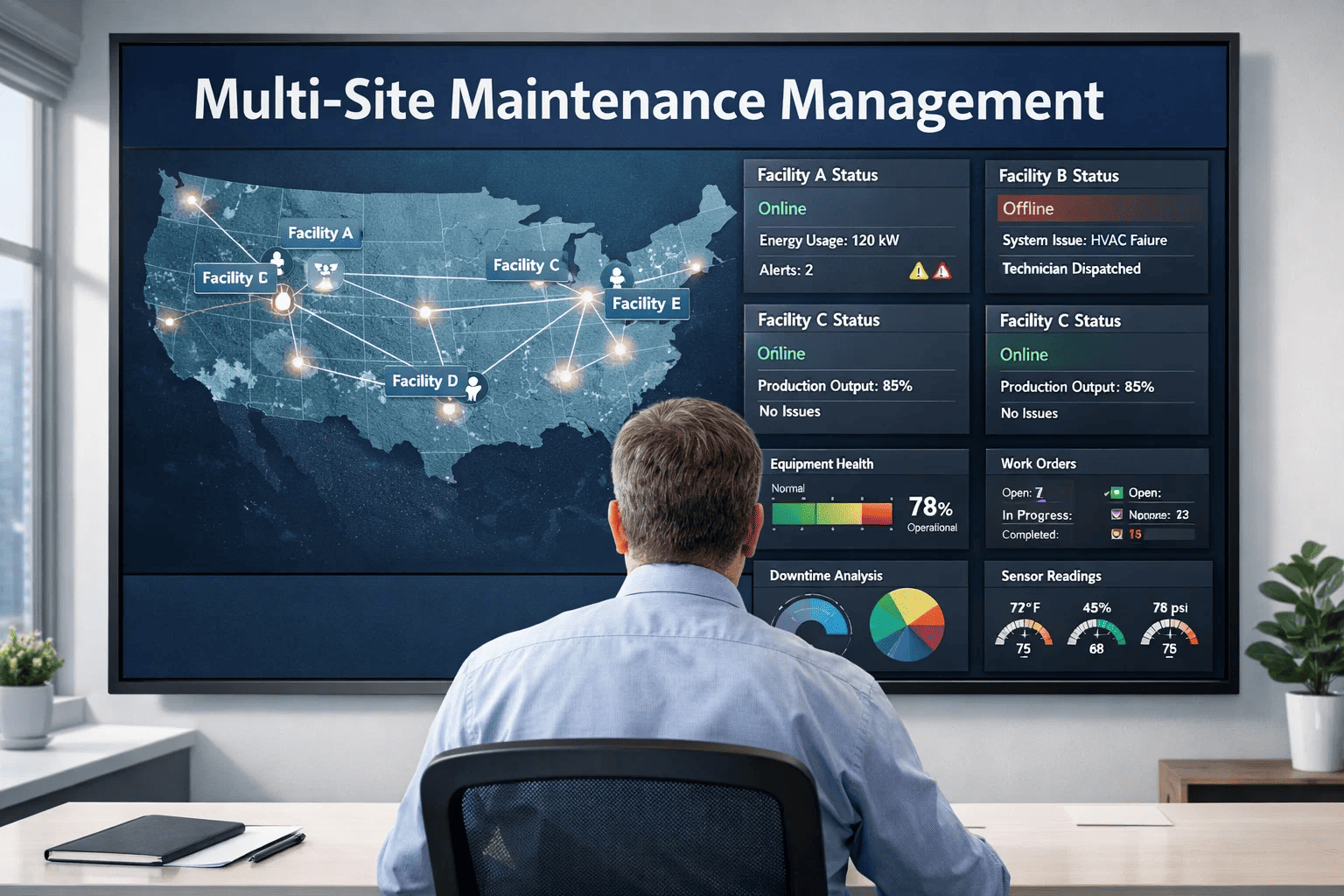
Multi-site operators see PMP trending for each property side by side. Underperforming sites are flagged before they become reliability crises. Portfolio managers get one dashboard, not 20 spreadsheets.
Technician Workload Analysis
OxMaint's scheduling view shows weekly PM task density vs. available technician hours. When a site's PM volume exceeds capacity, the data supports the business case for additional resource — before PMP drops.
PM Schedule Auto-Generation
Set PM frequency, assign a technician, attach a checklist — OxMaint creates work orders automatically on schedule, with push notifications to the technician's mobile. No manual scheduling required each week.
CapEx Forecasting Linked to PMP
Sustained low PMP accelerates asset deterioration. OxMaint's 5–10 year CapEx forecast model factors PMP history into remaining useful life projections — so finance teams see the capital cost of deferred maintenance.
Calculate Your PMP Today
OxMaint reports your Planned Maintenance Percentage in real time — and tells you exactly where the reactive work is coming from.
Every week you run below 80% PMP costs your facility in emergency repairs, shortened asset life, and budget overruns. Start a free trial and see your live PMP within 7 days, or book a demo to see how OxMaint tracks PMP across every site in your portfolio.
Reactive vs. Planned Maintenance: Cost Impact by the Numbers
Cost Category
Reactive Maintenance
Planned Maintenance (OxMaint)
Average repair cost per event
$3,200 — $8,500
$650 — $1,800
Emergency parts premium
+20–45% above catalogue price
0% — ordered on schedule
Technician overtime exposure
High — unplanned callouts outside shift
Minimal — scheduled within normal hours
Production downtime per event
4–16 hours average
0–2 hours (planned window)
Asset lifespan impact
15–30% reduction in expected life
Asset reaches full designed lifespan
Audit and compliance risk
Incomplete records — audit exposure
Full digital record — always audit-ready
Frequently Asked Questions
What is a realistic PMP improvement timeline from 50% to 80%?
Moving from 50% to 80% PMP typically takes 6–18 months depending on the starting state of the PM programme and asset register. The first 90 days focus on getting all PMs into the CMMS with correct frequencies and assignments. Months 3–9 focus on execution compliance — ensuring scheduled tasks are completed on time. The 75–80% range is usually reached by month 12 if a CMMS is actively managing PM scheduling, technician workload, and compliance tracking.
Should a 100% PMP be the target?
No. A PMP above 90–92% typically indicates that some necessary corrective maintenance is being deferred or incorrectly classified as planned work. A realistic world-class target is 85–90% — high enough to demonstrate a proactive programme while leaving appropriate capacity for genuine corrective responses to unexpected conditions. OxMaint's reporting distinguishes between planned, predictive, corrective, and emergency work orders so PMP reflects true operational reality.
How does OxMaint calculate PMP differently from a spreadsheet?
A spreadsheet requires manual entry of work order types, weekly or monthly aggregation, and formula maintenance — and is only as accurate as the person logging the data. OxMaint classifies every work order at creation, calculates PMP in real time, and breaks it down by site, asset class, technician team, and time period without any manual work. A 30-second dashboard view replaces a 3-hour monthly reporting exercise.
Does PMP apply differently to different industries?
Yes, slightly. Pharmaceutical and food manufacturing operations target 85–90% PMP because GMP compliance requires comprehensive preventive coverage. Heavy industrial (steel, cement, mining) operations typically target 75–82% due to more complex breakdown repair profiles. Commercial facilities management commonly targets 70–80%. OxMaint allows custom PMP targets per site type so benchmarks are industry-appropriate for each location in a multi-site portfolio.
Improve Your PMP With OxMaint
Your PMP Is the Scorecard for Your Entire Maintenance Operation. What Does Yours Say?
OxMaint automatically classifies every work order, tracks PM compliance in real time, identifies where reactive work is originating, and reports PMP by site, asset class, and team — so you always know whether your programme is on track and exactly what to fix when it isn't.