There is a maintenance manager right now — probably reading this — who has 14 spreadsheet tabs open, three of which have conflicting asset data, one has a broken VLOOKUP formula that has been silently returning wrong PM dates for six weeks, and another was last updated by a technician who left the company in March. That spreadsheet is the "maintenance management system" for a facility with $8M in assets, 12 technicians, and a $1.2M annual maintenance budget. And it is failing — quietly, invisibly, expensively. Research shows that 88% of spreadsheets contain errors, and in maintenance operations those errors translate directly into missed preventive maintenance, overlooked safety inspections, incorrect inventory counts, and emergency repairs that cost 3–5x more than planned work. Facilities that switch from spreadsheets to CMMS report 20–30% reduction in maintenance costs, 28% decrease in unplanned downtime, and 22% improvement in technician productivity within the first 12 months. The spreadsheet was the right tool in 2005. In 2026, it is the most expensive free tool your maintenance team uses. Start a free trial of Oxmaint and replace your spreadsheets with a purpose-built maintenance platform, or book a demo to see the difference in 30 minutes.
Your Spreadsheet Cannot Send a Work Order, Track a Part, or Prevent a Breakdown
Oxmaint replaces the spreadsheets, emails, whiteboards, and paper forms your team juggles daily with a single platform that automates PM scheduling, tracks every work order, manages inventory, and keeps your assets running.
Where Spreadsheets Break: The 6 Failure Modes Maintenance Teams Hit
Spreadsheets are not built for maintenance management — they are built for static data organization. Every limitation below is not a theoretical risk; it is a daily operational reality that maintenance managers deal with until they switch to a purpose-built system. The hidden cost of these failures compounds every month, and by the time the spreadsheet visibly fails (missed audit, unexpected breakdown, compliance fine), the financial damage has been accumulating for years. Book a demo to see how Oxmaint eliminates every one of these failure modes.
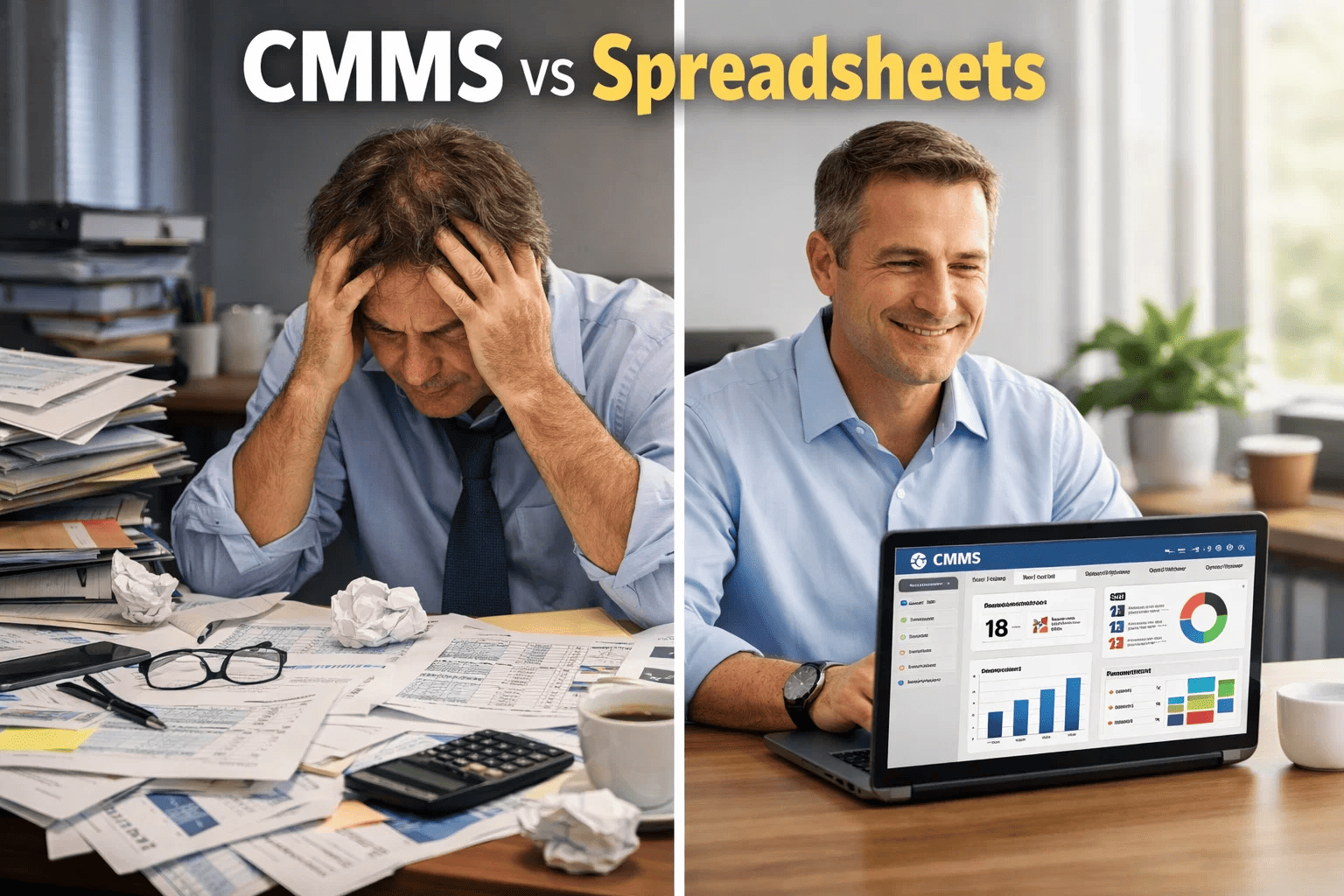
CMMS vs Spreadsheets: The Complete Comparison
This is not a feature comparison — it is an operational reality comparison. Every row represents a daily maintenance activity that your team performs, and shows exactly how that activity plays out in a spreadsheet versus a CMMS. The cumulative difference is the gap between a reactive, error-prone operation and a proactive, data-driven maintenance program. Start a free trial to experience the difference firsthand.
The Hidden Cost of "Free" Spreadsheets
Maintenance managers often resist switching because spreadsheets are "free" — already included in their Microsoft Office license. But the true cost of spreadsheet-based maintenance is invisible because it is embedded in labor waste, emergency repairs, compliance risk, and missed optimization opportunities. Here is what spreadsheet maintenance actually costs a facility with 500 assets and 10 technicians. Book a demo and we will calculate the hidden cost specific to your operation.
How Oxmaint Replaces Every Spreadsheet Your Team Uses
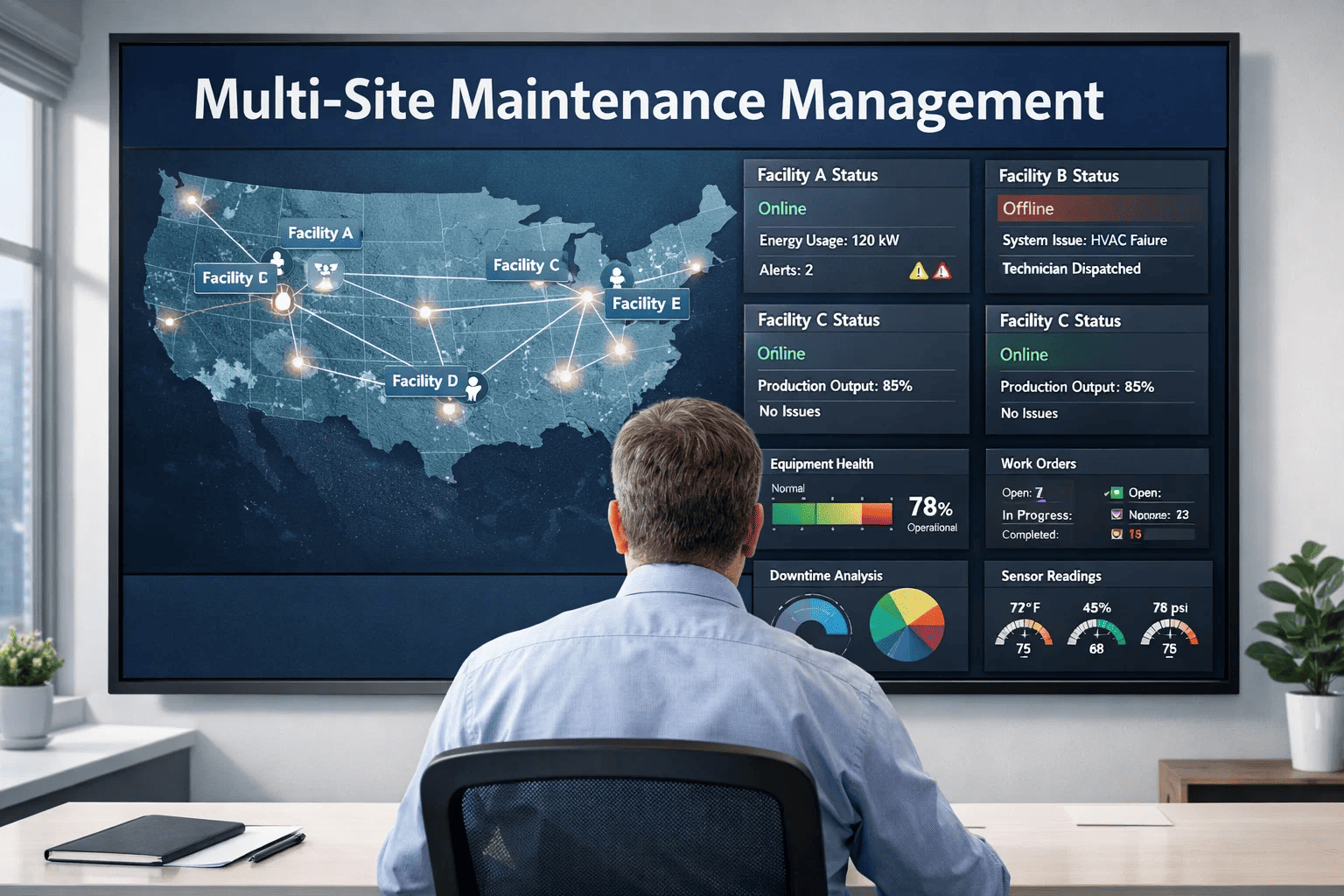
Most maintenance teams do not have one spreadsheet — they have 6–10 spreadsheets, each tracking a different function. Oxmaint consolidates all of them into a single platform that your entire team accesses from any device. No more version conflicts, no more missing data, no more wasted hours. Start a free trial to see your maintenance data unified in one system.
Automated Work Order Management
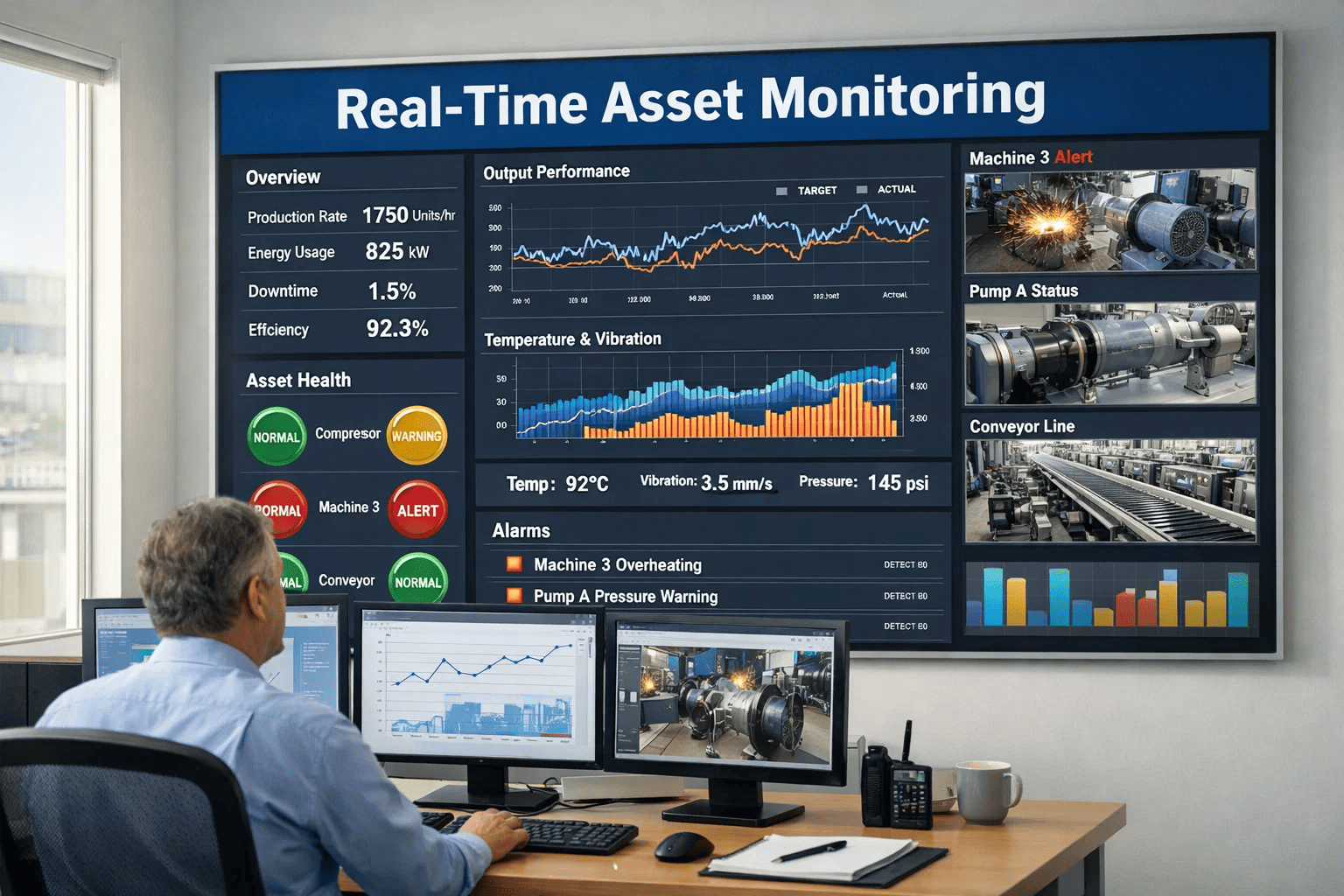
Create, assign, track, and close work orders from mobile or desktop. Auto-generated from PM schedules, sensor alerts, or operator requests. Full history per asset with labor hours, parts used, and completion timestamps.
Preventive Maintenance Automation
Schedule PMs by time, meter reading, or condition trigger. Auto-generates work orders, sends technician notifications, and tracks completion rates. PM compliance dashboards replace the monthly manual reporting cycle.
Complete Asset Registry with Lifecycle Tracking
Every asset with manufacturer data, installation date, warranty info, maintenance history, condition score, and linked documents. Hierarchical structure: Portfolio, Property, System, Asset, Component — not flat rows in a spreadsheet.
Spare Parts and MRO Inventory
Real-time stock levels with min/max alerts, auto-reorder triggers, cost tracking per part, and usage history linked to assets and work orders. Know exactly what you have, where it is, and when to order more.
Frequently Asked Questions
How long does it take to migrate from spreadsheets to Oxmaint?
Most facilities complete migration in 1–3 weeks depending on data volume. Oxmaint supports direct CSV/Excel import for asset lists, PM schedules, and parts inventory — so your existing spreadsheet data transfers directly into the system. The typical timeline: Week 1 — asset data import and system configuration. Week 2 — PM schedule setup and work order workflow configuration. Week 3 — team training and live operation start. No heavy implementation fees, no multi-month deployment projects. Most teams are fully operational within 15 business days. Start a free trial and import your first asset spreadsheet today.
What if our team is not tech-savvy — will they actually use a CMMS?
This is the most common concern — and it is the reason Oxmaint is built mobile-first with an interface simpler than the spreadsheets it replaces. Technicians open the app, see their assigned work orders, tap to start, complete the checklist, and close. No spreadsheet navigation, no formula management, no file searching. In practice, the technicians who struggled most with spreadsheets are the ones who adopt CMMS fastest — because the CMMS is actually easier than finding the right cell in the right tab of the right file. Average team adoption time: 5–7 days for daily use proficiency.
Is Oxmaint cost-effective for small maintenance teams (5–10 people)?
Oxmaint is specifically designed for teams of all sizes — including 5–10 person operations where every hour of technician time matters most. The ROI math is simple: if your spreadsheet-based operation has even one unplanned failure per month that a CMMS-managed PM program would have prevented, the avoided downtime cost ($5,000–$15,000 per incident) exceeds the annual Oxmaint subscription within the first quarter. Small teams benefit even more than large teams because they cannot absorb the labor waste that spreadsheets create — there is no slack in a 5-person team. Book a demo to see pricing options for your team size.
Can we run Oxmaint alongside our spreadsheets during transition?
Yes — many facilities run a parallel period of 2–4 weeks where both systems track the same data. This builds team confidence in the CMMS and validates data accuracy before fully retiring spreadsheets. Oxmaint's export functionality means you can always generate spreadsheet-format reports for stakeholders who prefer them — so the output looks familiar even though the input and management is now automated. Most teams voluntarily abandon their spreadsheets within 3 weeks because the CMMS is faster, more accurate, and eliminates the data entry burden they have been carrying.
Your Spreadsheet Era Is Over — Switch to Oxmaint in Under 3 Weeks
Thousands of maintenance teams across manufacturing, commercial real estate, healthcare, and multi-site operations have replaced their spreadsheets with Oxmaint — gaining automated PM scheduling, real-time work order tracking, mobile technician access, and the audit-ready documentation that spreadsheets can never provide.