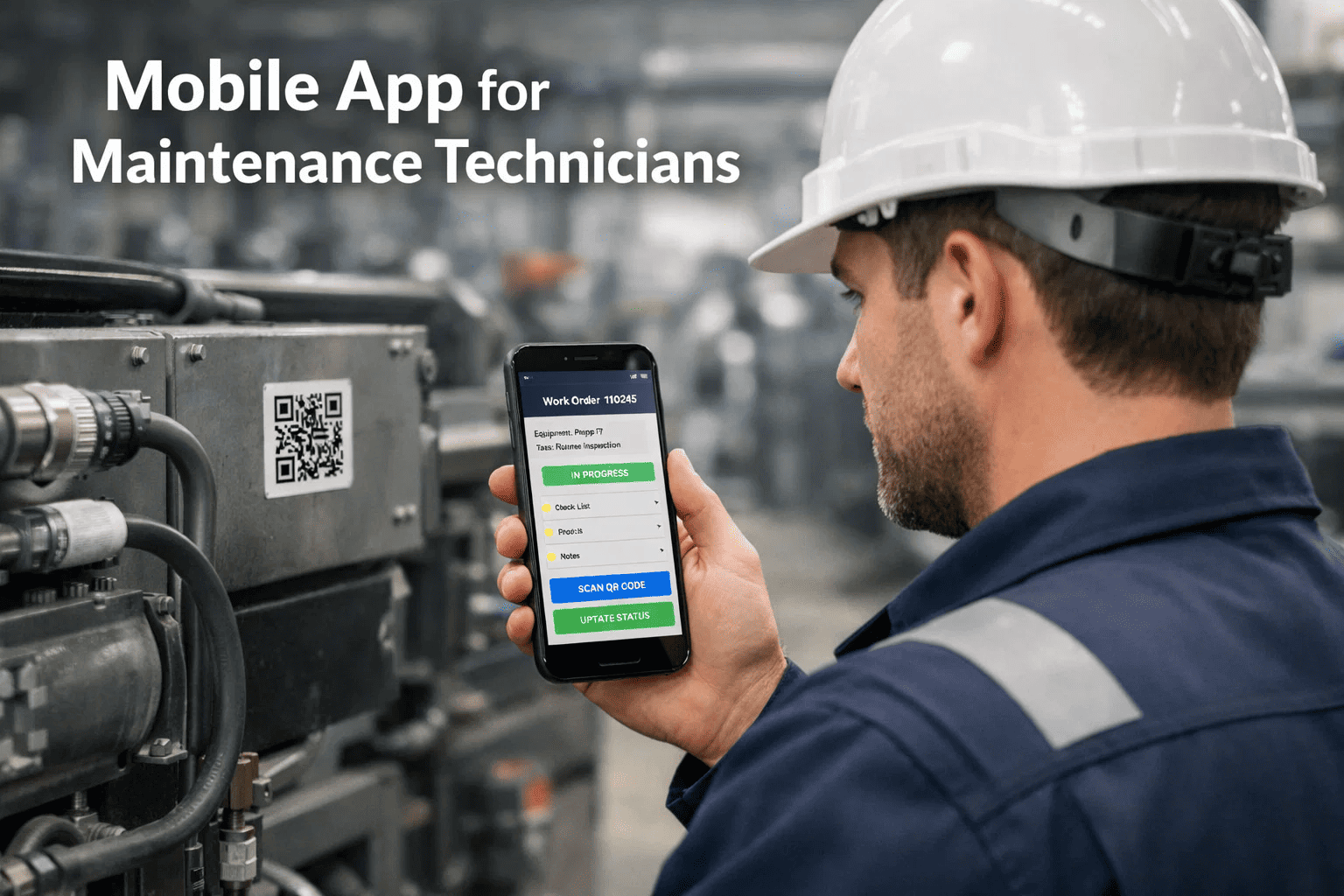
A maintenance technician at a chemical plant in Texas used to start every shift the same way — walking to the supervisor's office, picking up a paper work order, copying asset details by hand, completing the job, and walking back to log it. Each round trip took 18 minutes. With 12 jobs per shift, that was over 3.5 hours of pure administrative movement — time that never touched a single piece of equipment. Modern CMMS platforms have eliminated that cycle entirely. With a mobile CMMS app, technicians receive work orders the moment they're created, scan asset QR codes on arrival, complete digital checklists, attach photos, and close jobs — all from the floor. Teams using mobile-first CMMS tools report technician productivity gains of 25–35% in the first 90 days. If your team is still running on clipboards, start a free trial of OxMaint today and experience the shift firsthand — or book a demo to see the mobile workflow live.
Mobile CMMS / Field Maintenance Technology
Mobile CMMS App for Technicians: Features That Save Time
Offline work orders. QR asset scanning. Real-time updates. Paperless checklists. A mobile CMMS app turns field technicians into precision maintenance operators — from the first tap to job close.
Average productivity gain in first 90 days on mobile CMMS
3.5 hrs
Daily admin time eliminated per technician on paper systems
72%
Faster work order close time with mobile execution
4.8x
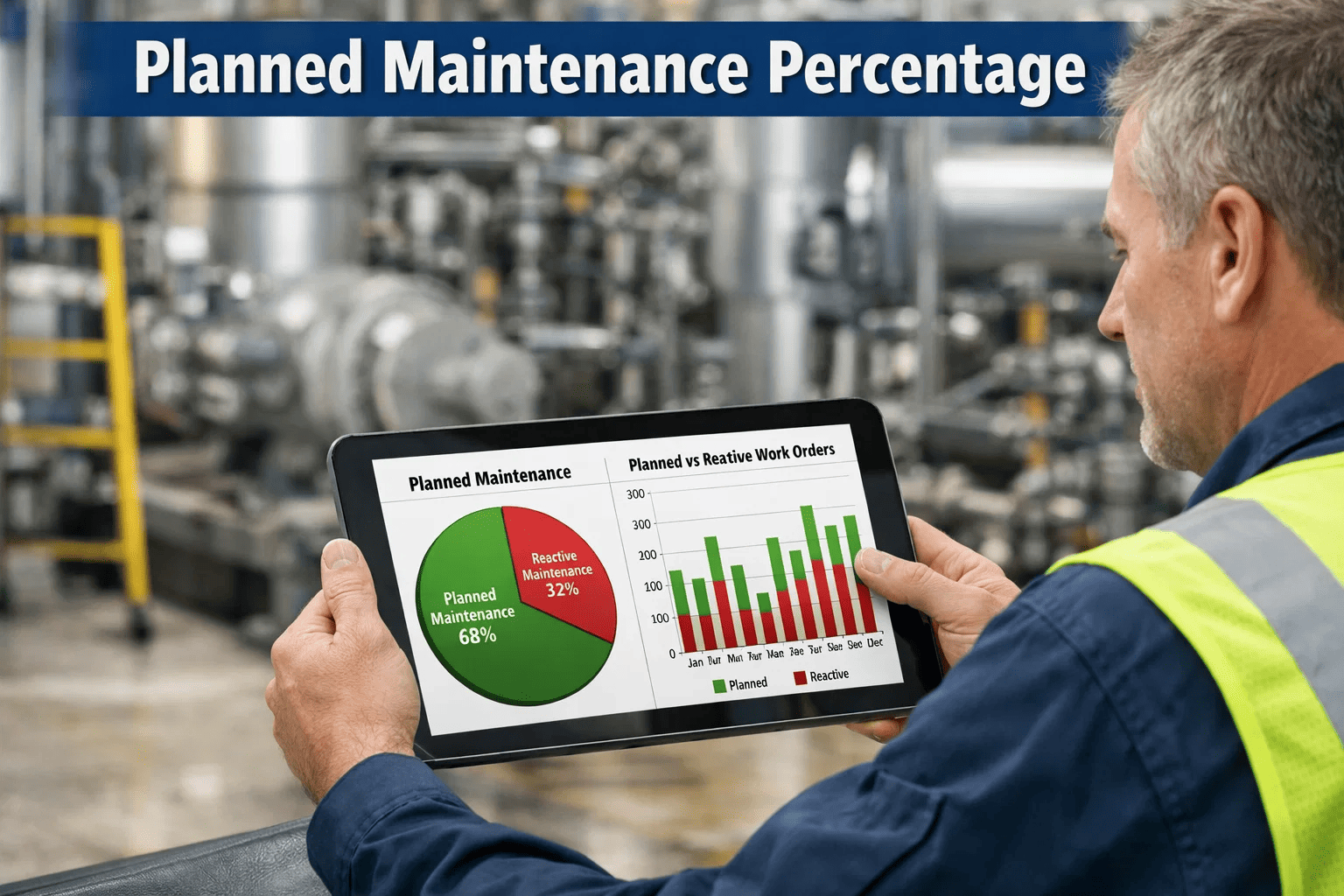
Cost premium for reactive vs planned maintenance
What Is a Mobile CMMS App?
A mobile CMMS (Computerised Maintenance Management System) app is the field interface of your maintenance platform — the screen your technician sees when they receive a job, scan an asset, complete a checklist, and log parts used. It is not a simplified version of the desktop system. The best mobile CMMS apps are purpose-built for field use: offline-capable, touch-optimised, and able to capture everything from inspection photos to digital signatures without network connectivity. The data syncs to your central CMMS the moment connectivity returns — so work continues regardless of where the asset is located.
Field-First Interface
Designed for gloves, outdoor light, and one-hand operation
Offline Capable
Works in basements, remote sites, and signal-dead zones
QR Asset Scanning
Instant asset lookup, history, and work order launch
Real-Time Sync
All completed jobs, parts, and photos sync instantly
8 Mobile CMMS Features That Actually Change Field Operations
Not all mobile CMMS features deliver equal value. These eight separate leading platforms from basic work order apps — and drive the productivity numbers that matter to maintenance managers.
01
Offline Work Order Execution
Technicians complete jobs, fill checklists, and log parts with zero connectivity. Data queues locally and syncs on reconnection — no lost records, no duplicate entry required later.
02
QR Code Asset Scanning
Scan a QR label on any asset to instantly pull its full history — last PM, open faults, part numbers, manuals, and the next scheduled inspection — without navigating menus.
03
Photo and Video Capture
Attach fault photos directly to work orders during inspection. Visual records replace ambiguous text descriptions and create a tamper-evident history that supports warranty claims.
04
Digital Inspection Checklists
Mandatory step-by-step checklists ensure no inspection point is skipped. Failed checks automatically generate linked corrective work orders before the technician leaves the asset.
05
Push Notifications and Alerts
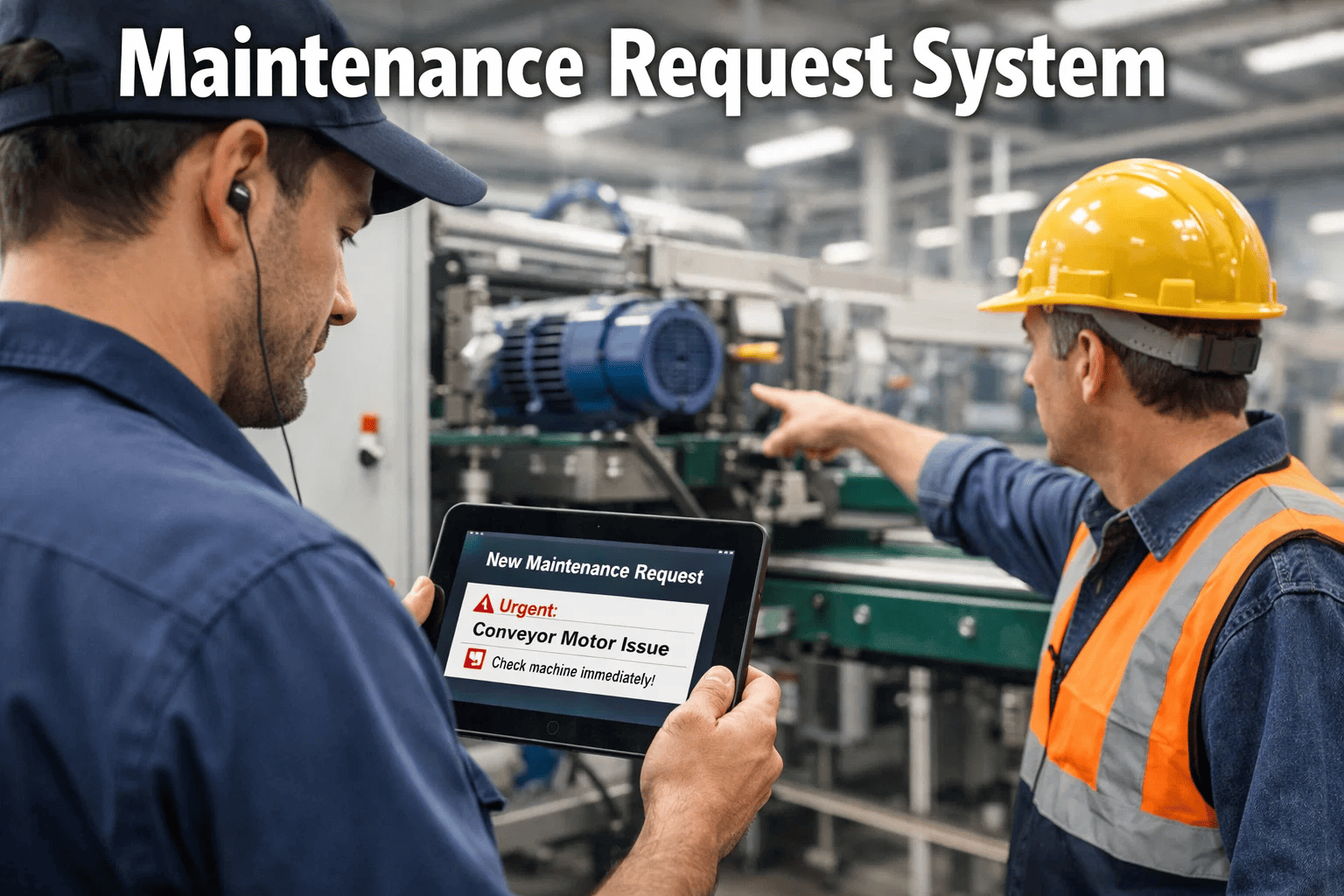
Priority work orders reach technicians instantly via push notification. Emergency jobs are escalated with a different alert tone — ensuring critical response within minutes, not the next shift.
06
Parts Consumption Logging
Technicians log every part used directly in the work order from mobile. Inventory deducts automatically — no separate paperwork, no end-of-shift batch entry, no stock discrepancies.
07
Digital Signatures
Work orders require technician signature on completion and supervisor sign-off for GMP or safety-critical tasks. Digital signatures are timestamped and audit-ready by default.
08
Multi-Site Access
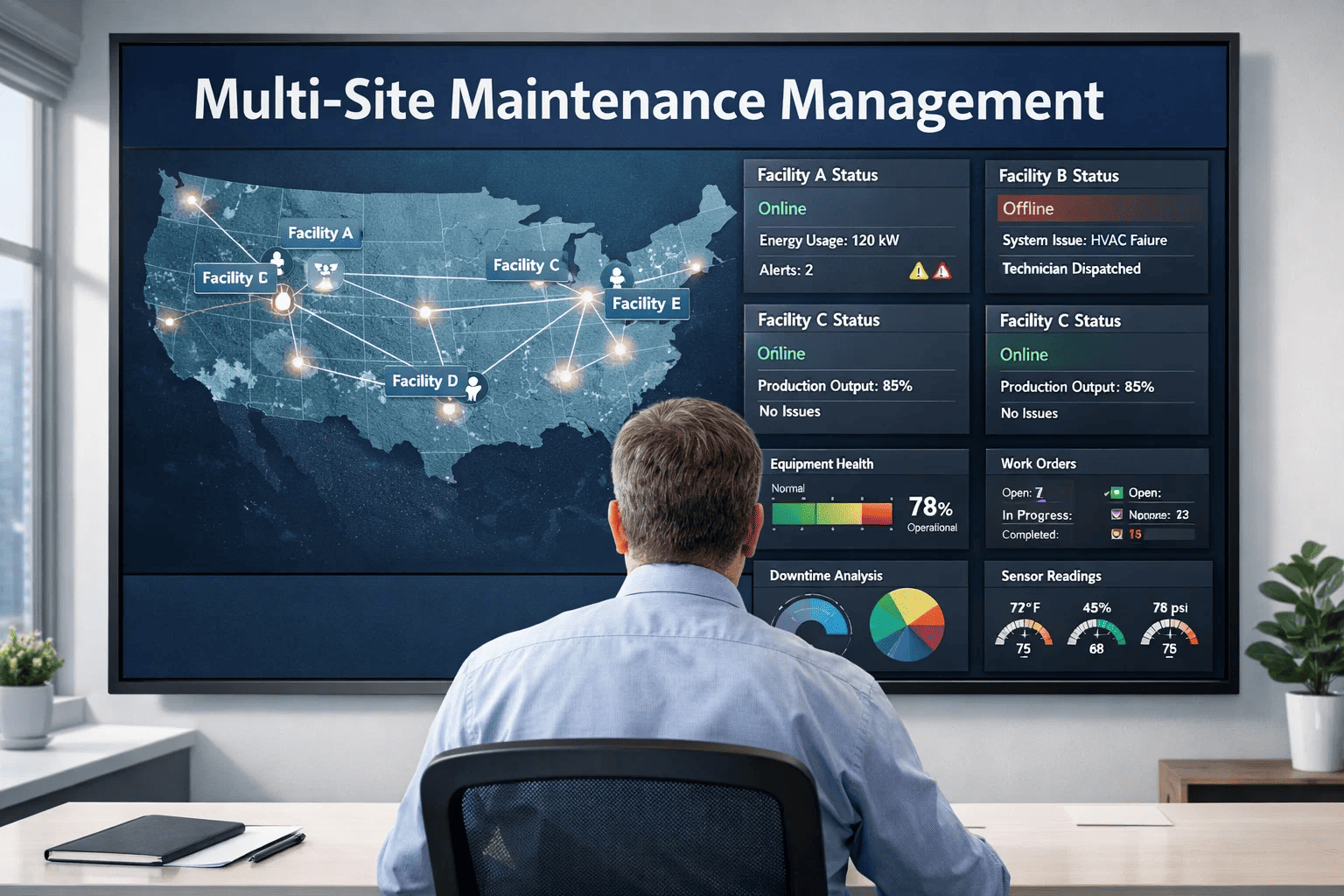
Field technicians covering multiple properties switch sites inside a single app without re-logging. Portfolio managers see all-site status in real time from the same mobile dashboard.
Teams that still run maintenance on clipboards and spreadsheets are not just slower — they're operating with structural blind spots that compound over time. These four problems don't plateau; they worsen with every missed entry.
Data Lag Kills Pattern Detection
Paper work orders take 24–72 hours to enter into systems — if they're entered at all. Recurring faults on the same asset aren't visible until someone manually reviews stacks of paper.
68% of repeat failures traceable to unlogged first events
No Real-Time Visibility
Supervisors can't see which jobs are in progress, which technicians are available, or which assets have open faults. Planning requires phone calls and educated guesswork rather than live data.
Avg. 41 min/day lost to status follow-up calls per supervisor
Compliance Gaps Under Audit
Paper checklists get lost, are filled in retrospectively, or have illegible entries. When an OSHA, FDA, or environmental audit requires inspection records going back 2 years, paper systems fail.
Paper documentation fails compliance audit in 1 of 3 inspections
Knowledge Loss at Turnover
When an experienced technician leaves, their asset knowledge leaves with them. Paper records are incomplete, illegible, or inaccessible. Digital CMMS records are permanent and instantly transferable.
Average cost to replace a skilled maintenance tech: $28,000–$46,000
Paper vs. Mobile CMMS: The Operational Reality
The difference is not just convenience — it's the compound effect of every job, every day, across every technician on your team.
Scenario
Paper-Based System
Mobile CMMS (OxMaint)
Receiving a new work order
Walk to office, collect paper copy — 10–18 min
Push notification to phone — 0 min
Identifying the asset
Manual search through binders or memory
QR scan — full history in 3 seconds
Working without internet
Normal operation (but no recording)
Full offline mode — syncs on reconnection
Logging parts used
End-of-shift batch entry — often incomplete
In-job scan — inventory updates instantly
Inspection compliance
Filled in retrospectively, often incomplete
Mandatory digital steps — no skip possible
Fault photo evidence
Rarely captured, never attached to record
Attached directly to work order in real time
Audit readiness
Manual retrieval — hours of searching
Instant filtered export — audit-ready always
Repeat fault detection
Only if someone reviews paper files manually
Automatic flag when same asset fails again
Ready to Go Paperless?
OxMaint gives your technicians a mobile-first CMMS that works everywhere — even offline.
Work orders, QR scanning, digital checklists, and photo capture — all in one app your team will actually use. No training week required. Most teams are running live jobs within 48 hours. Start a free trial or book a demo to see the full mobile workflow.
The return on mobile CMMS adoption is measurable within the first quarter. These are the metrics maintenance managers track after deploying OxMaint mobile across their teams.
25%
Reduction in mean time to repair
Faster asset ID and history access cuts diagnosis time significantly
40%
Fewer missed PM tasks
Push notifications ensure scheduled jobs aren't skipped or forgotten
18%
Reduction in parts stockouts
Real-time consumption logging keeps inventory accurate at all times
92%
Audit pass rate on digital records
vs. 67% average for teams on paper-based documentation
Frequently Asked Questions
Does OxMaint mobile work without internet connectivity?
Yes. OxMaint's mobile app is fully offline-capable. Technicians can receive work orders, complete checklists, log parts, attach photos, and close jobs with no network connection. All data is stored locally on the device and automatically syncs to the central CMMS when connectivity is restored — without requiring any manual action from the technician.
How does QR code asset scanning work in practice?
Each asset is assigned a unique QR label printed from OxMaint and physically attached to the equipment. When a technician scans the label with their phone camera, OxMaint instantly displays the asset's full profile — maintenance history, open work orders, last inspection date, attached manuals, spare parts, and the next scheduled PM. From that screen, they can launch a new work order, start an inspection, or log a fault in under 30 seconds.
How long does it take a technician team to get fully operational on OxMaint mobile?
Most teams complete their first live work orders within 48 hours of setup. OxMaint's mobile interface is intentionally simple — technicians see only what they need for their role. The average team of 8–12 technicians is fully operational within one week, including asset QR labelling, PM schedule migration, and supervisor dashboard configuration.
Can OxMaint mobile handle multi-site maintenance operations?
Yes. OxMaint is built specifically for multi-site portfolios. Technicians assigned to multiple properties switch between sites within the same app — work orders, assets, and checklists are site-specific while reporting rolls up to a single portfolio dashboard. Managers overseeing 2 or 20 locations see all-site maintenance status in real time from their mobile or desktop.
Launch Your Mobile Maintenance Programme
Your Technicians Shouldn't Be Spending 3.5 Hours a Day on Admin. OxMaint Fixes That.
Mobile work orders. QR asset scanning. Offline-capable checklists. Real-time inventory. Digital signatures. OxMaint puts a fully-featured CMMS in every technician's pocket — and keeps every manager in command of live operations from any device.