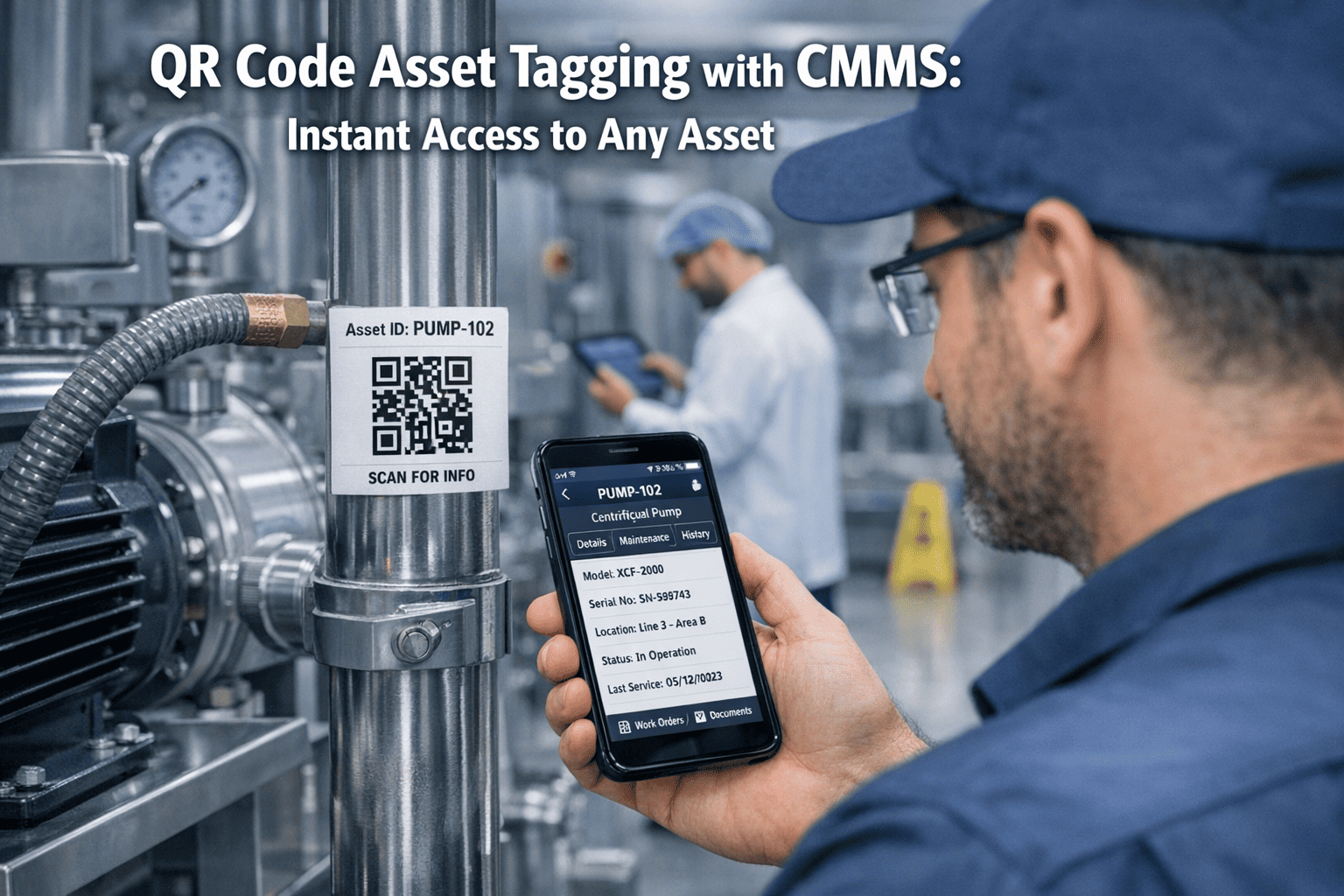
There is a silent productivity killer in every maintenance department. It is not a broken tool or a missing part. It is the 5 minutes a technician spends fumbling through their CMMS trying to find the right asset record — and the bad data created when they pick the wrong one. When a technician arrives at a breakdown, types "Pump" into the system, and gets 47 results, they guess. The work order gets logged to the wrong asset. The repair history is incomplete. When you analyze that machine next year, the data is unreliable. QR code asset tagging solves this by turning every physical asset into a digital gateway — one scan from a smartphone opens the full asset record, maintenance history, open work orders, and SOPs. No searching, no guessing, no wrong-asset work orders. Start tagging your assets on Oxmaint or book a demo to see scan-to-access in action.
What Is QR Code Asset Tagging?
QR code asset tagging is the process of attaching a unique QR code to each physical asset and linking that code to the asset's digital record in your CMMS. When a technician, operator, or facilities team member scans the tag with their smartphone, they instantly access the asset's complete profile — maintenance history, open work orders, PM schedule, parts list, SOPs, and documentation. The tag is what closes the gap between the physical world (the equipment in the field) and the digital world (the CMMS record). Without tags, assets are identified by description, location, or verbal context — methods that fail when the technician is new, the equipment has moved, or there are multiple similar units. Tags replace ambient knowledge with a permanent, unambiguous identifier. Book a demo and see how Oxmaint generates QR codes directly from the asset registry.
QR Code vs. Barcode vs. RFID vs. NFC
| Technology | Data Capacity | Scan Method | Cost per Tag | Best For |
|---|---|---|---|---|
| QR Code | 4,296 characters | Smartphone camera | $0.05 - $2.00 | Most maintenance environments — best balance of cost, durability, and functionality |
| Barcode (1D) | 20-25 characters | Dedicated scanner | $0.02 - $0.50 | Simple inventory counting with existing barcode infrastructure |
| RFID | 2 KB typical | RFID reader (passive) | $0.10 - $15.00 | High-volume automated scanning, line-of-sight not required |
| NFC | 888 bytes typical | Smartphone (close range) | $0.20 - $5.00 | Secure access control and tamper-evident applications |
What Happens When You Scan an Asset Tag
Generate QR tags directly from your Oxmaint asset registry
No third-party tools needed. Print, attach, scan — your assets become digital gateways in minutes.
Tagging Strategy: What to Tag and What to Skip
How Oxmaint Powers QR Code Asset Management
Generate unique QR codes for every asset directly from the Oxmaint asset registry. No third-party QR tools, no manual linking, no spreadsheet matching — the code is tied to the record automatically.
Scan any tagged asset to create a work order pre-populated with the correct asset ID, location, and equipment details. Zero manual entry, zero transcription errors, zero wrong-asset work orders.
Non-maintenance staff scan the QR tag on a malfunctioning asset and the request form opens pre-populated. No asset ID lookup, no verbal description — the request arrives with complete context.
One scan shows the full asset profile — last PM date, open work orders, failure history, warranty status, OEM documentation, and parts list. Information that used to take minutes now takes seconds.
Every scan confirms "this asset exists, at this location, on this date" — creating an audit trail automatically. Identify ghost assets, unregistered equipment, and location discrepancies without manual audits.
QR codes on machines link directly to PM checklists. Technicians scan the tag, complete the checklist on their phone, and the results are logged against the asset automatically.