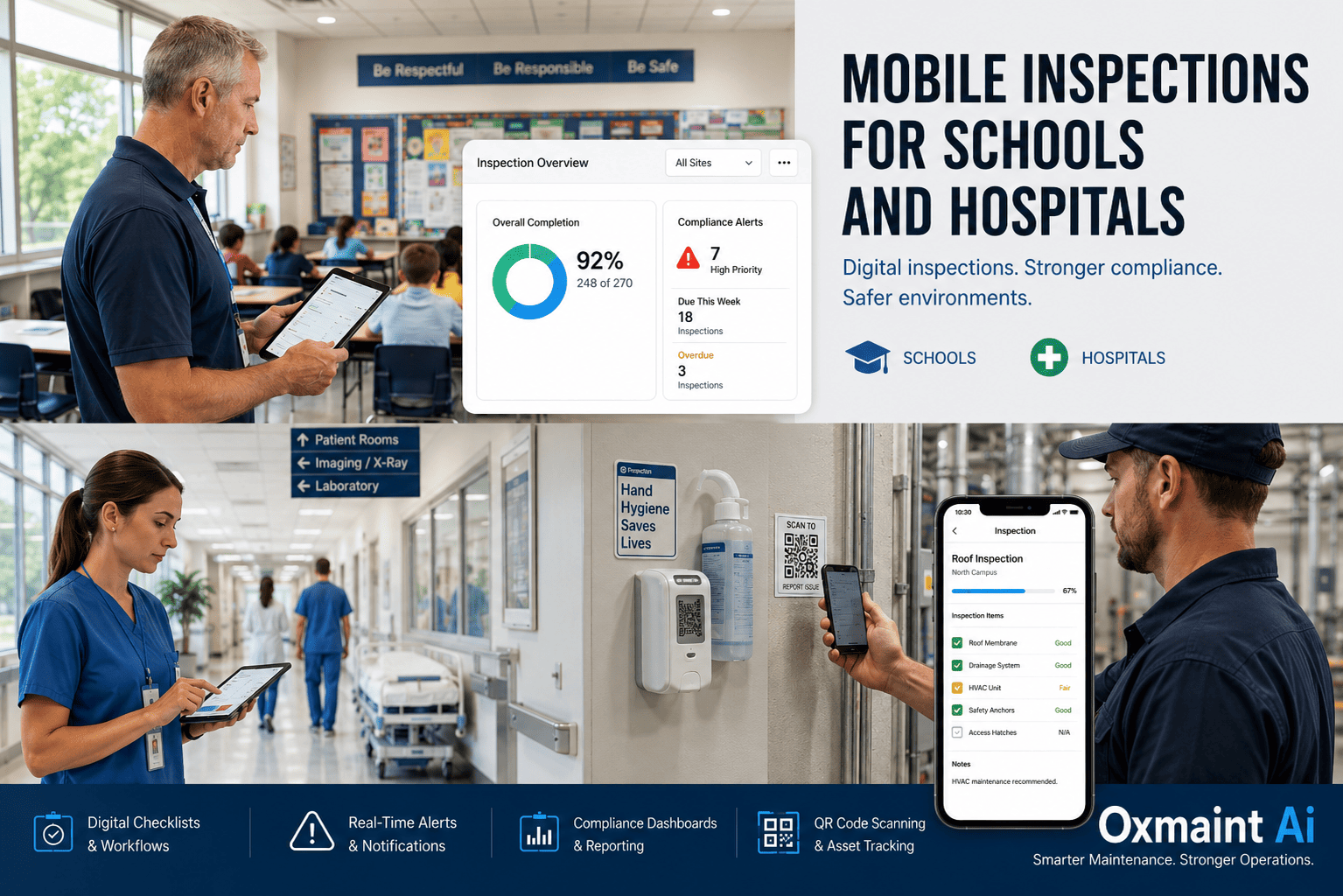
A Joint Commission survey arrives unannounced. A state health inspector walks into a K-12 cafeteria mid-service. A fire marshal requests three years of extinguisher inspection records inside 48 hours. In every one of these moments, the question is the same: can your facility produce timestamped, signed, photo-verified inspection records on demand — or does the answer depend on what someone wrote in a clipboard binder that nobody has touched in six months? For schools and hospitals running paper-based or spreadsheet-based inspection regimes, the gap between "we did the work" and "we can prove we did the work" is where compliance penalties, deficiency citations, and reputation damage live. Mobile inspections close that gap by making documentation a byproduct of doing the inspection, not a separate task that gets skipped under pressure.
See how much audit risk you can eliminate from your school or hospital inspection workflow in a 30-minute walkthrough.
Real-time inspection completion trackingPhoto-verified deficiency captureAudit-ready records auto-organized
The Inspection Compliance Gap in Schools and Hospitals
75,000+
Organizations globally using mobile inspection platforms — adoption is now the operational baseline, not an upgrade
15–20%
Of maintenance manager time consumed by inspection documentation when records are paper-based
20%
Improvement in cleaning and inspection consistency reported by healthcare operators after mobile inspection rollout
$16,131
Maximum federal citation per OSHA violation — and inspection documentation gaps are among the most common triggers
Definition
What Mobile Inspections Mean for Schools and Hospitals
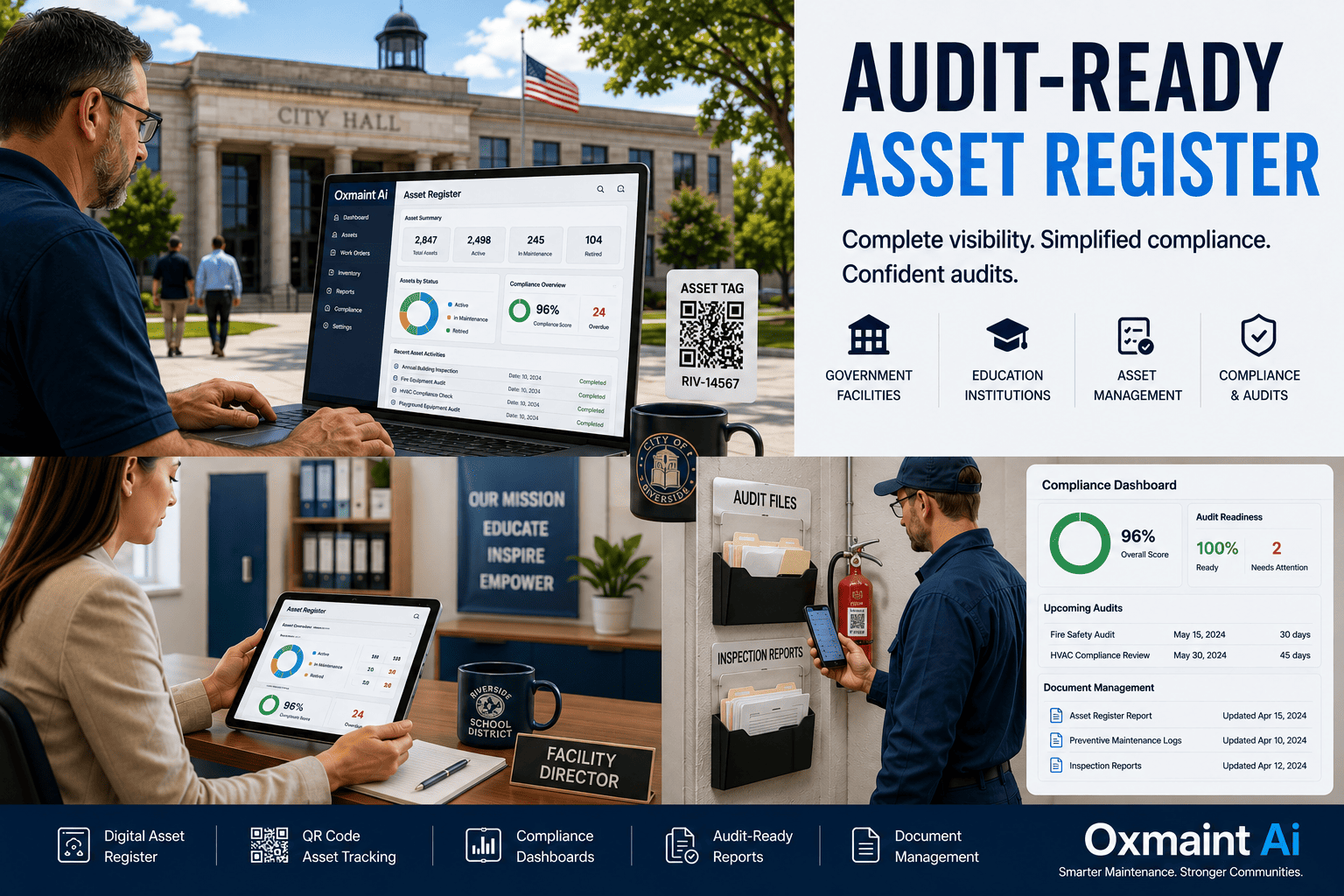
Mobile inspections are the practice of conducting compliance checks, safety walks, environment of care rounds, and equipment verifications directly on a phone or tablet — with structured checklists, photo capture, GPS or QR-code asset identification, and digital signatures replacing paper forms. The inspection result is an immutable timestamped record stored in a central system, retrievable in seconds during an audit instead of hours during a binder search.
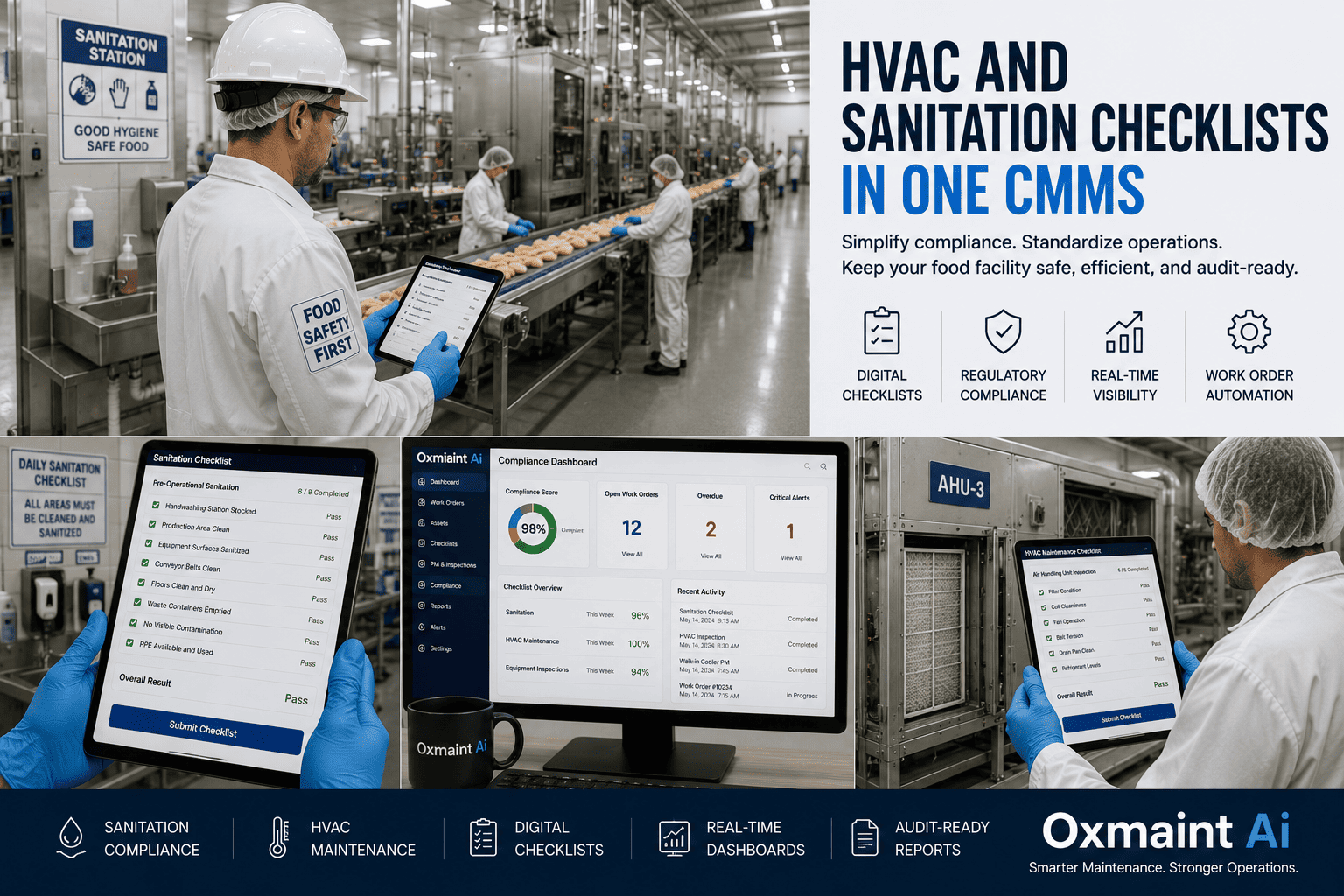
For schools, the inspection coverage stretches across fire safety, playground equipment, HVAC, cafeteria food handling, custodial compliance, ADA accessibility, and athletic facility safety. For hospitals, it covers environmental services (EVS), infection control hand-hygiene rounds, ATP surface testing, medical gas, emergency power testing, Joint Commission environment of care tracers, life safety code reviews, and CMS conditions of participation. The inspections are different — but the documentation problem and the mobile-first solution are identical. Start a free trial and configure your first inspection template in under 30 minutes, or book a demo walkthrough scoped to your facility's regulatory framework.
Core Capabilities
The Eight Capabilities a Mobile Inspection System Must Deliver
Not every digital checklist counts as a mobile inspection system. The eight capabilities below are the working definition — anything short of these, and the system will fail when an unannounced surveyor arrives. Each capability maps to a specific failure mode that mobile inspection platforms eliminate.
01
Offline-Capable Mobile App
Inspections complete even in basement boiler rooms or MRI shielded areas where signal drops to zero — data syncs the moment connectivity returns.
02
QR Code Asset Identification
Scan a tag to pull the asset record, inspection history, and the right checklist — no chance of inspecting the wrong unit or filing under the wrong ID.
03
Photo and Video Evidence Capture
Every deficiency captured with a timestamped, geotagged image — surveyor evidence and corrective action verification in the same record.
04
Conditional Checklist Logic
If a question is answered "fail," the checklist expands to capture root cause, severity, and corrective action — no missing data on the items that matter.
05
Digital Signature and Sign-Off
Inspector signature, supervisor review, and corrective action sign-off all captured digitally — admissible compliance evidence in CMS, OSHA, and Joint Commission reviews.
06
Auto-Generated Work Orders
A failed inspection item immediately generates a corrective action work order — no separate ticket-creation step that gets forgotten in the shift handoff.
07
Schedule-Driven Inspections
Recurring inspections auto-assigned to the right inspector at the right interval — daily, weekly, monthly, quarterly — with overdue escalations built in.
08
Audit Report Export
Pull an inspection history report scoped to date range, asset, location, or inspector in seconds — every record timestamped, signed, and photo-verified.
A failed compliance audit can cost a hospital its CMS reimbursement, a school its state funding, and the responsible administrator their job — yet most facilities still run inspections on paper.
Signature Workflow
From Pre-Shift Check to Audit-Ready in One Compliance Timeline
Stage 01
Mobile Pre-Shift Check
Custodian, nurse, or facilities tech completes a digital inspection with photo evidence at the start of each shift.
Stage 02
Defect Auto-Flag
Any failed item triggers a work order, tags the asset out, and notifies the supervisor in real time.
Stage 03
Corrective Action Logged
Repair documented with parts, labor, and root cause — tied to the original inspection record by ID.
Stage 04
Compliance Dashboard Updated
Joint Commission, OSHA, and state survey readiness scores recalculated automatically across every site.
Stage 05
Audit Report Generated
Surveyor arrives, administrator exports full inspection trail by date, asset, or compliance code in seconds.
The Real Risk Picture
Where Paper-Based Inspections Fail Schools and Hospitals
Six failure patterns recur across facility compliance audits. Each one comes from the same root cause: inspection records living somewhere other than a centralized, structured system. Operations leaders moving to mobile inspections typically see a 20% improvement in inspection consistency and a measurable drop in audit deficiencies inside the first compliance cycle — request a demo to see the deficiency dashboard configured for your facility type.
Missed Inspection Cycles
Without scheduled assignments and overdue alerts, weekly safety walks and monthly fire extinguisher checks get skipped during busy periods — and never caught up.
Lost Paper Records
Binders go missing, custodial staff turn over, file cabinets get reorganized — and the three-year inspection history a surveyor wants to see is no longer retrievable.
Pencil-Whipping
Inspectors back-fill checklists at the end of the shift without ever visiting the location — paper systems cannot prove time-on-site, so the practice goes undetected.
No Corrective Action Loop
A deficiency noted on a paper checklist sits there forever unless someone manually creates a work order — surveyors find the same finding three audits in a row.
No Cross-Facility Comparability
School districts with 20+ campuses or hospital systems with 10+ sites cannot benchmark facility performance because every site uses its own paper format.
Audit Prep Drains Weeks
Compliance teams spend 60–80 hours assembling binders before a survey — time that could be invested in actual safety improvements.
The Oxmaint Approach
How Oxmaint Mobile Inspections Eliminate the Compliance Gap
Oxmaint runs mobile inspections through a structured asset hierarchy that mirrors how schools and hospitals actually organize work — district to building to wing to room, or hospital to unit to department to asset. Four core capabilities make inspection compliance a byproduct of normal operations instead of a separate compliance project. Start a free trial and build your first audit-ready inspection cycle in a single afternoon.
Pre-Built Inspection Templates
Joint Commission environment of care, OSHA general industry, NFPA 25 fire systems, ADA accessibility, food safety, custodial QC — load and customize.
QR Code Asset Tagging
Every inspectable asset gets a QR code. Scanning pulls the right checklist, history, and assigns the inspection to the asset record automatically.
Failed-Item Work Order Generation
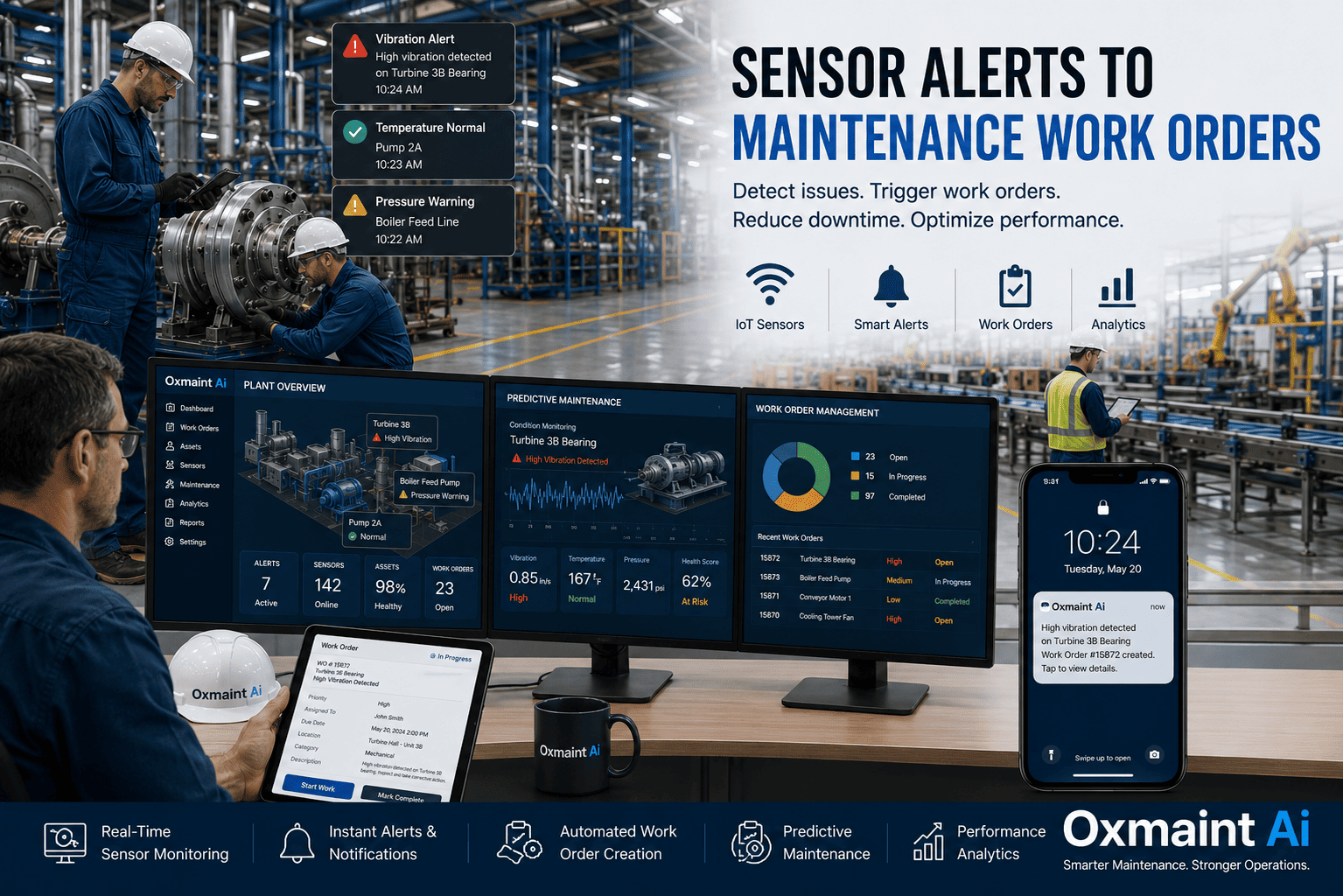
A failed inspection item creates an immediate corrective action work order — assigned, scheduled, and tracked through closure in the same system.
Audit Export in Seconds
Pull a date-ranged, asset-scoped, or inspector-scoped report — every inspection timestamped, signed, photo-verified, with corrective action trail intact.
Hospitals using structured digital inspections cut compliance audit preparation time from weeks to hours — and report measurable reductions in survey deficiencies.
Before vs After
Paper Inspections vs. Oxmaint Mobile Inspections
The shift is not a productivity gain. It is a structural change in how compliance evidence accumulates over time. The table below maps every step in the inspection lifecycle across both modes.
Inspection Lifecycle Stage
Paper or Spreadsheet Inspections
Oxmaint Mobile Inspections
Inspection Assignment
Verbal handoff or a printed schedule that ages quickly
Auto-assigned to the right inspector with calendar reminders and overdue alerts
Asset Identification
Inspector reads serial numbers off a paper map — errors common
QR scan pulls the asset record and the correct checklist in one tap
Time-on-Site Verification
No way to verify; pencil-whipping undetectable
GPS and timestamps prove the inspection occurred on-location
Deficiency Capture
Handwritten notes that may or may not include the detail surveyor wants
Photo, severity tier, root cause, and corrective action captured in one screen
Corrective Action
Manual handoff to maintenance — often lost in the shift change
Work order auto-generated, assigned, and tracked through closure
Record Storage
Three-ring binder in a file cabinet — vulnerable to loss, fire, water
Cloud-stored, redundant, retrievable from any device with credentials
Audit Preparation
60–80 staff hours per survey assembling binders
Audit-ready report exported in seconds, scoped to any window
Multi-Site Comparability
Impossible — every site uses its own paper format
Standardized templates enforce identical data capture across all sites
Measured Impact
ROI and Compliance Results From Mobile Inspection Rollouts
These outcomes are drawn from healthcare and education facility deployments across mobile inspection programs — they represent what teams report inside the first 6–12 months of running structured inspections. Start a free trial to model your compliance recovery scenario.
20%
Inspection consistency lift
Reported by healthcare operators after switching from paper to mobile-driven inspection workflows
15–20%
Manager time recovered
Documentation burden eliminated by replacing paper records with auto-generated digital trails
60–80hr
Audit prep time saved
Per Joint Commission or state survey cycle — replaced by seconds-long report exports
45–65%
Reduction in repeat deficiencies
Driven by closed-loop corrective action tracking — findings cannot stay open between surveys
30 days
Time to first compliance dashboard
From go-live to first cross-facility inspection completion and deficiency report
100%
Survey-ready coverage
Every required inspection cycle with timestamped, signed, photo-verified records on demand
Common Questions
Mobile Inspections for Schools and Hospitals FAQ
Do mobile inspections require internet connectivity in every room?
No. Oxmaint inspections complete fully offline — basement boiler rooms, MRI shielded suites, and remote campus buildings work the same as locations with full WiFi. Data syncs to the central record the moment the device reconnects.
Are mobile inspection records accepted by CMS, Joint Commission, and OSHA?
Yes. Timestamped digital records with inspector signatures and photo evidence are accepted in CMS conditions of participation reviews, Joint Commission environment of care surveys, and OSHA general industry inspections. Mobile records are typically stronger evidence than paper because they cannot be back-dated.
Can Oxmaint handle multi-campus school districts and multi-hospital systems?
Yes. The hierarchy scales from district to campus to building to room — and the same structure works for hospital systems mapping system to facility to unit to asset. Templates standardize across every site, so multi-facility comparability is built in.
How long does it take to deploy mobile inspections across a facility?
A single building goes live in 1–2 weeks. A district or hospital system typically deploys in 4–8 weeks, with template configuration, asset tagging, and inspector training running in parallel. No heavy IT implementation required.
Stop Failing Audits on Documentation Gaps
Turn Every Inspection Into Audit-Ready Evidence
Schools and hospitals running mobile inspections through Oxmaint cut audit prep time from weeks to hours, recover 15–20% of management documentation time, and walk into every survey with timestamped, signed, photo-verified records. Used by operations teams managing 10,000+ assets. Limited onboarding slots available this quarter.
Joint Commission, OSHA, and CMS-aligned templates
QR-tagged assets with offline-capable mobile inspections
Failed inspections auto-create corrective action work orders