Connecting IoT sensors to your CMMS is the single infrastructure decision that separates a maintenance team guessing from a maintenance team knowing — and in 2026, with unplanned downtime costing an average of $260,000 per hour, the gap between those two states is no longer an academic distinction. IoT-CMMS integration means your vibration sensors, temperature probes, pressure transmitters, and current meters stop logging data into a dashboard nobody checks and start generating timestamped work orders automatically when a threshold is crossed. The result is condition-based maintenance that acts on real asset health, not calendar dates — and facilities that make this shift consistently see 35% or more reduction in unplanned breakdowns within three years of disciplined implementation. OxMaint's predictive maintenance platform connects directly to vibration, temperature, pressure, and current sensors and converts every threshold breach into an automatic, prioritized work order — so your CMMS operates on what's actually happening inside your equipment, not what happened last quarter on a similar asset class.
How to Connect IoT Sensors to Your CMMS: Step-by-Step
The complete field guide — sensor selection, protocol configuration, threshold mapping, work order rules, and the failure points most implementations hit at step three. Built for maintenance managers running real facilities.
Trusted by 1,000+ facilities managing 10,000+ assets · Live in days, not months
What Is IoT-CMMS Integration?
IoT-CMMS integration is the process of connecting physical sensors — vibration, temperature, pressure, current, flow — directly to your computerized maintenance management system so that the data those sensors collect automatically triggers maintenance actions. Without this connection, sensors produce data in a monitoring dashboard; technicians check it manually, act on it manually, and log results manually. With the connection, a bearing running above its vibration threshold at 2 a.m. on a Sunday creates a prioritized work order, assigns it to the next available certified technician, and logs the event to the asset's history — without anyone touching a keyboard.
The core shift is from calendar-based maintenance to condition-based maintenance. Instead of servicing every motor on a 90-day cycle whether it needs it or not, you service motors when sensor data says the condition warrants it. Facilities making this shift stop over-maintaining stable assets and stop under-maintaining degrading ones simultaneously — which is why IoT-CMMS integration consistently returns positive ROI within 12–18 months of proper implementation. Explore OxMaint's predictive maintenance module to see condition-based and predictive approaches running side by side.
6 Core Concepts Before You Start
Before touching hardware or opening your CMMS, align your team on these six concepts. Misunderstanding any one of them is the most common reason IoT-CMMS projects stall after installation.
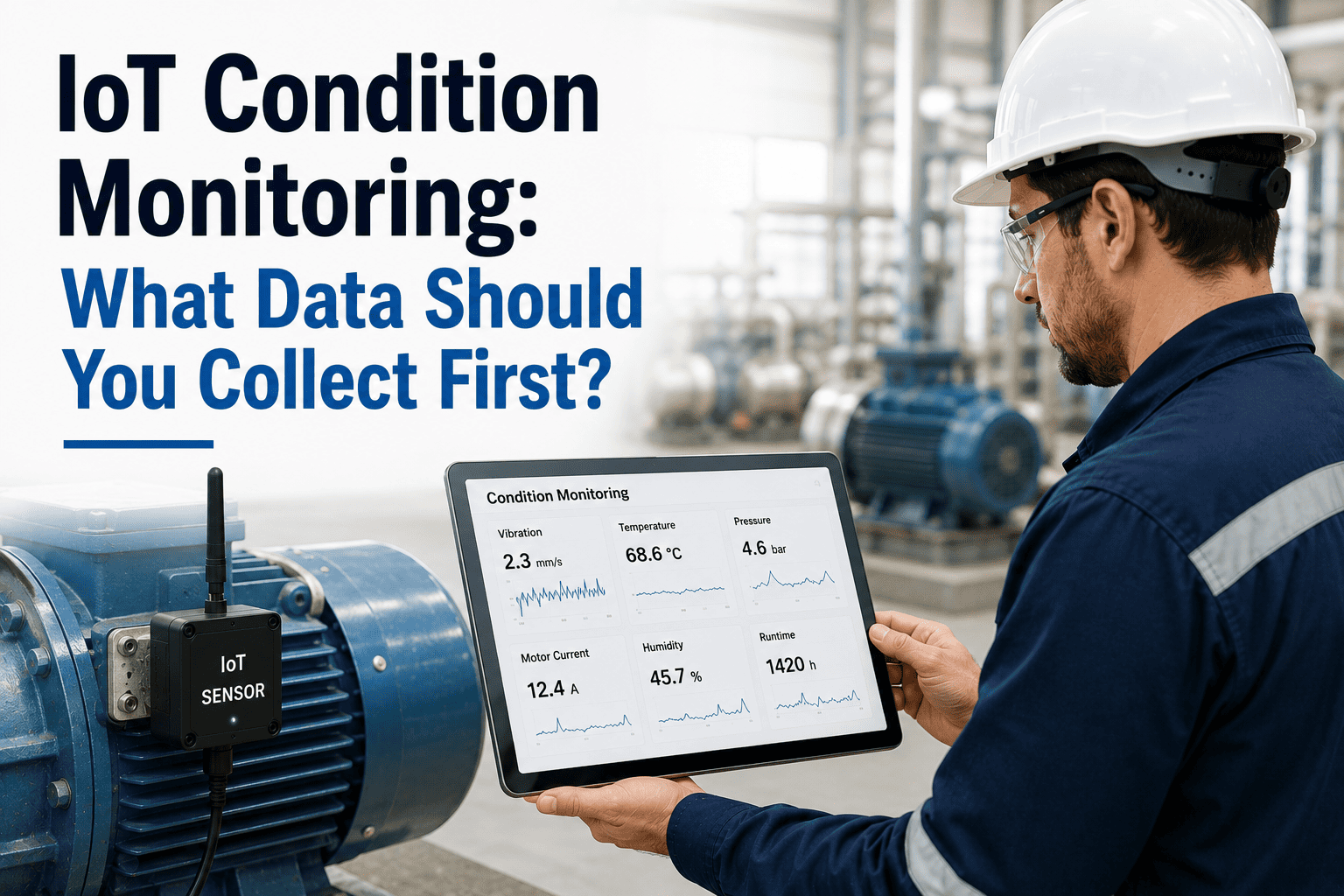
Vibration (g-force/RMS), temperature (°C/°F), pressure (PSI/bar), current (amps), flow rate, and humidity. Each maps to specific failure modes — vibration for bearing wear, temperature for motor winding degradation, pressure for fluid system integrity.
MQTT is the industrial IoT standard for lightweight, low-latency sensor-to-platform messaging. OPC-UA is preferred for PLC/SCADA integration. REST APIs handle batch uploads. Confirm your CMMS supports the protocol your sensor gateway uses before purchase.
A threshold is an absolute limit (vibration above 0.5 in/s triggers alert). A baseline is an asset-specific normal from which deviation is measured. Baseline-relative alerting reduces false alarms by 40–60% compared to fixed thresholds alone.
Edge gateways process data locally before sending to the cloud — essential for high-frequency sensors (10+ Hz) or facilities with unreliable connectivity. Cloud-only works well for low-frequency monitoring (temperature logged every 5–15 minutes).
Every sensor must be linked to a specific asset record in the CMMS — not just a location. Asset-level linking means work orders, failure history, and cost tracking attach to the right equipment, enabling accurate asset lifecycle analysis.
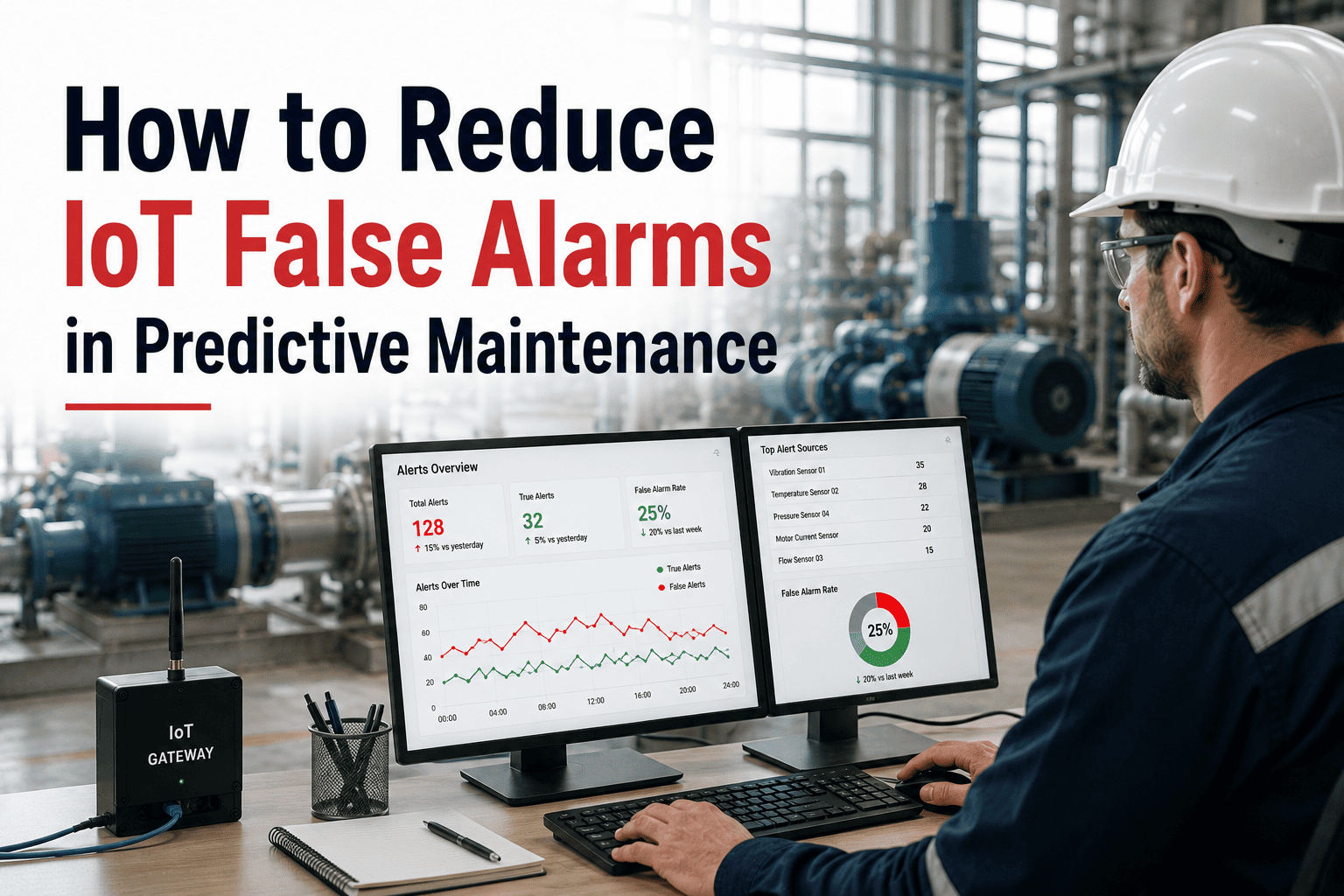
Not every threshold breach warrants a work order. Sustained breach (e.g., over limit for 15 consecutive minutes), rate-of-change rules (rising 0.1 in/s per hour), and multi-sensor confirmation reduce alert noise and ensure technicians receive actionable, not noisy, signals.
4 Pain Points That Break IoT-CMMS Projects
Most IoT-CMMS failures are not hardware failures. They are configuration and process failures at predictable stages. Recognizing them before you start is the fastest way to a functioning integration.
Teams anxious to catch failures set initial thresholds at 80% of the alert limit. Result: hundreds of notifications per day, technicians stop responding, and the system is effectively disabled within two weeks. Start conservative — alerts should fire 2–4 times per week, not 20 times per day. Refine over 60 days as you learn each asset's normal operating envelope.
Installing sensors without linking them to specific asset records in the CMMS means work orders float without history context. A technician receives a vibration alert but has no view of the asset's last 12 service events, parts used, or known failure modes. The power of IoT data is multiplied by the asset history it connects to — skip the mapping step and you lose 70% of the value.
Industrial facilities often have dead zones where Wi-Fi coverage is intermittent and wired infrastructure isn't cost-effective. Sensors stop reporting silently — not with an error, just with absence. Build connectivity monitoring (alert when a sensor hasn't reported in X minutes) before assuming data flow is stable. LoRaWAN gateways are an economical solution for facilities with structural connectivity challenges.
Installing sensors without changing how technicians receive and respond to work orders means the new data flows into the old reactive culture. IoT-CMMS value comes from integrated work order management where sensor alerts route directly to mobile devices, get accepted or escalated in real time, and close with documented findings. Without this loop, sensor ROI flatlines. Book a demo to see OxMaint's full sensor-to-work-order workflow in action.
How OxMaint Handles the Full Integration
OxMaint's IoT integration covers every layer of the sensor-to-action chain — from hardware connection through threshold configuration to auto-generated, routed, mobile-accessible work orders. Each capability is built into the platform; there is no separate integration layer to maintain.
OxMaint connects to vibration, temperature, pressure, and current sensors via MQTT, OPC-UA, Modbus, and REST API. PLC and SCADA feeds are supported natively through the predictive maintenance module — no custom middleware required. Sensor data streams into the asset record in real time at configurable polling intervals.
Each sensor is mapped to a specific asset record with individual threshold rules — not fleet-wide settings. Set absolute limits, rate-of-change alerts, and sustained-breach timers per asset. OxMaint surfaces baseline deviation automatically as historical data accumulates, reducing noise without manual reconfiguration.
When a threshold rule fires, OxMaint creates a work order automatically — pre-populated with asset details, sensor reading history, last maintenance event, and recommended action from the AI. The smart work order engine routes to the nearest certified technician and pushes a mobile alert. No dispatcher required.
Alongside sensor feeds, OxMaint's AI Vision Camera (NVIDIA-powered) provides a visual monitoring layer — detecting cracks, corrosion, thermal anomalies, and leaks at ~99.2% accuracy, 24/7. Vision alerts and sensor alerts merge into a unified work order queue, giving maintenance teams complete coverage without managing two separate systems.
IoT-triggered condition-based work orders coexist in the same maintenance calendar as standard preventive maintenance schedules. OxMaint's AI flags when a sensor trend suggests a PM interval should be shortened or extended — so your calendar evolves to match actual asset behavior rather than staying fixed at manufacturer defaults.
Every sensor reading, threshold breach, work order, and technician action is logged with timestamps to the asset record — creating a continuous, audit-ready compliance trail for OSHA, ISO, and GMP requirements. OxMaint's analytics dashboard surfaces MTBF, MTTR, OEE, and cost-per-asset metrics from the same data, giving operations leadership the visibility to make capital planning decisions.
IoT-Connected CMMS vs. Traditional CMMS: What Changes
| Capability | Traditional CMMS Calendar + Manual Input |
IoT-Connected CMMS Sensor-Triggered + AI |
|---|---|---|
| Maintenance trigger | Calendar date or manual inspection | Live sensor data — asset condition determines timing |
| Work order creation | Manual — planner reviews dashboard, creates WO | Automatic — threshold breach fires WO in seconds |
| Failure warning time | Zero — next inspection may be weeks away | Days to weeks — early-stage degradation detected continuously |
| Over-maintenance risk | High — fixed intervals replace parts that don't need it | Low — service only when condition data supports it |
| Asset health visibility | Point-in-time from last inspection | Continuous — real-time trending across all monitored assets |
| Compliance audit trail | Manual log entries, gaps when team is stretched | Automatic timestamp on every reading, breach, and action |
| Multi-site management | Requires on-site staff at each location for visibility | Centralized dashboard — remote asset health across all sites |
| Maintenance cost trend | Flat or rising — reactive costs dominate budget | Declining over time — condition-based replaces emergency spend |
ROI & Results: What Facilities Actually See
The ROI from IoT-CMMS integration is real but not instant. Expect a 60–90 day calibration period, positive measurable results at 6 months, and compounding improvement as failure-pattern data accumulates. Here is what the benchmarks look like — and what OxMaint customers report across 1,000+ facilities.
Calculate your facility's specific ROI potential using the OxMaint ROI Calculator — or book a demo and we'll model it against your current downtime cost and maintenance budget.
Frequently Asked Questions
How do I connect IoT sensors to a CMMS if my equipment uses older PLCs?
What sensor data should I prioritize when starting an IoT-CMMS integration?
How long does it take to set up IoT-CMMS integration with OxMaint?
Can I run IoT-triggered work orders alongside my existing preventive maintenance schedule?
Connect IoT Sensors to Your CMMS — See Every Asset's Real Condition
OxMaint connects vibration, temperature, pressure, and current sensors to automatic work order generation — so your CMMS acts on what's actually happening inside your equipment, not calendar dates. Condition-based and predictive in one platform. No hardware lock-in. Live in days.
Trusted by 1,000+ teams managing 10,000+ assets · Live in days, not months